
Panduan konfigurasi produk Philips Hue
Pilih jenis produk yang Anda miliki di bawah ini untuk mempelajari cara menghubungkannya ke sistem pencahayaan pintar Anda.

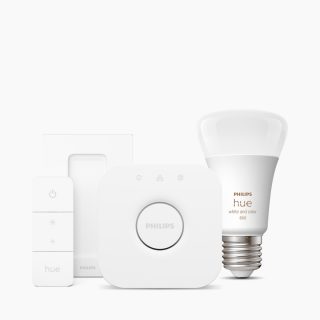
Starter kit

Starter kit

Dapatkan petunjuk tentang konfigurasi starter kit. 
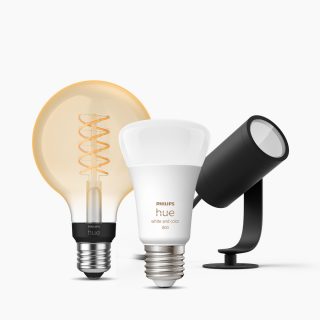
Bohlam & lampu

Bohlam & lampu

Dapatkan petunjuk untuk mengonfigurasi lampu, lampu lantai, lampu meja, dan lainnya. 
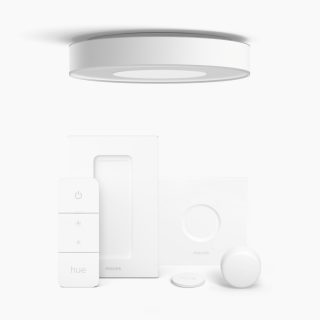
Lampu yang mencakup aksesori

Lampu yang mencakup aksesori

Dapatkan petunjuk untuk mengonfigurasi lampu yang disertakan dengan aksesori, seperti tombol peredup atau tombol pintar.
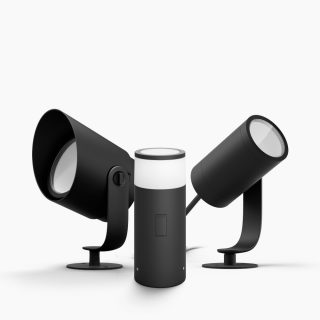
Lampu outdoor

Lampu outdoor

Dapatkan petunjuk untuk mengonfigurasi lampu luar ruangan. 
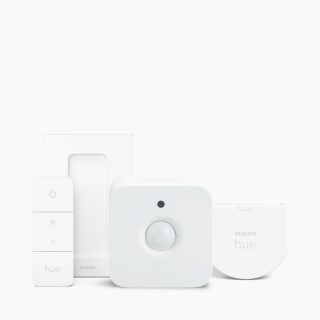
Aksesori

Aksesori

Dapatkan petunjuk untuk mengonfigurasi Hue sync box atau aksesori lainnya. 
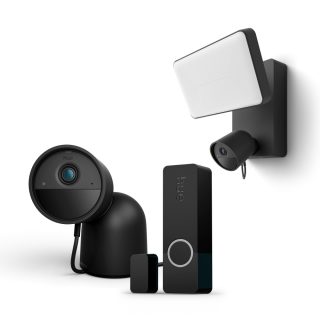
Keamanan

Keamanan

Dapatkan petunjuk untuk mengonfigurasi kamera dan sensor keamanan. 

FAQs

How do I add my Philips Hue device using a QR code?

Where can I find the QR codes on my Philips Hue devices?

I can't find the QR code on my device. What should I do?

Can I scan multiple devices' QR codes to add them all to my Bridge at once?

Can I add multiple devices for multiple Rooms by scanning their QR codes?

I can't scan the QR code. What should I do?

Can I scan the QR code on an older Philips Hue device to add it to my Bridge?

Do I need an internet connection to add devices to my Bridge by scanning their QR codes?

Can I scan a QR code on a Philips Hue device to add it to my system if I don't have a Hue Bridge?

Can I add a product that's already been set up by scanning its QR code?