Play HDMI Sync Box
$249.99
Current price is $249.99
Item no longer available
About the Play HDMI Sync Box
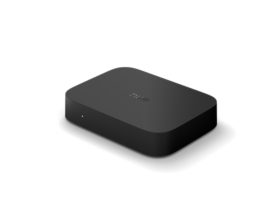
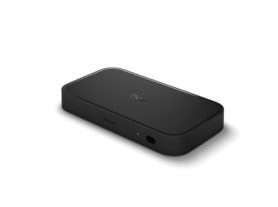
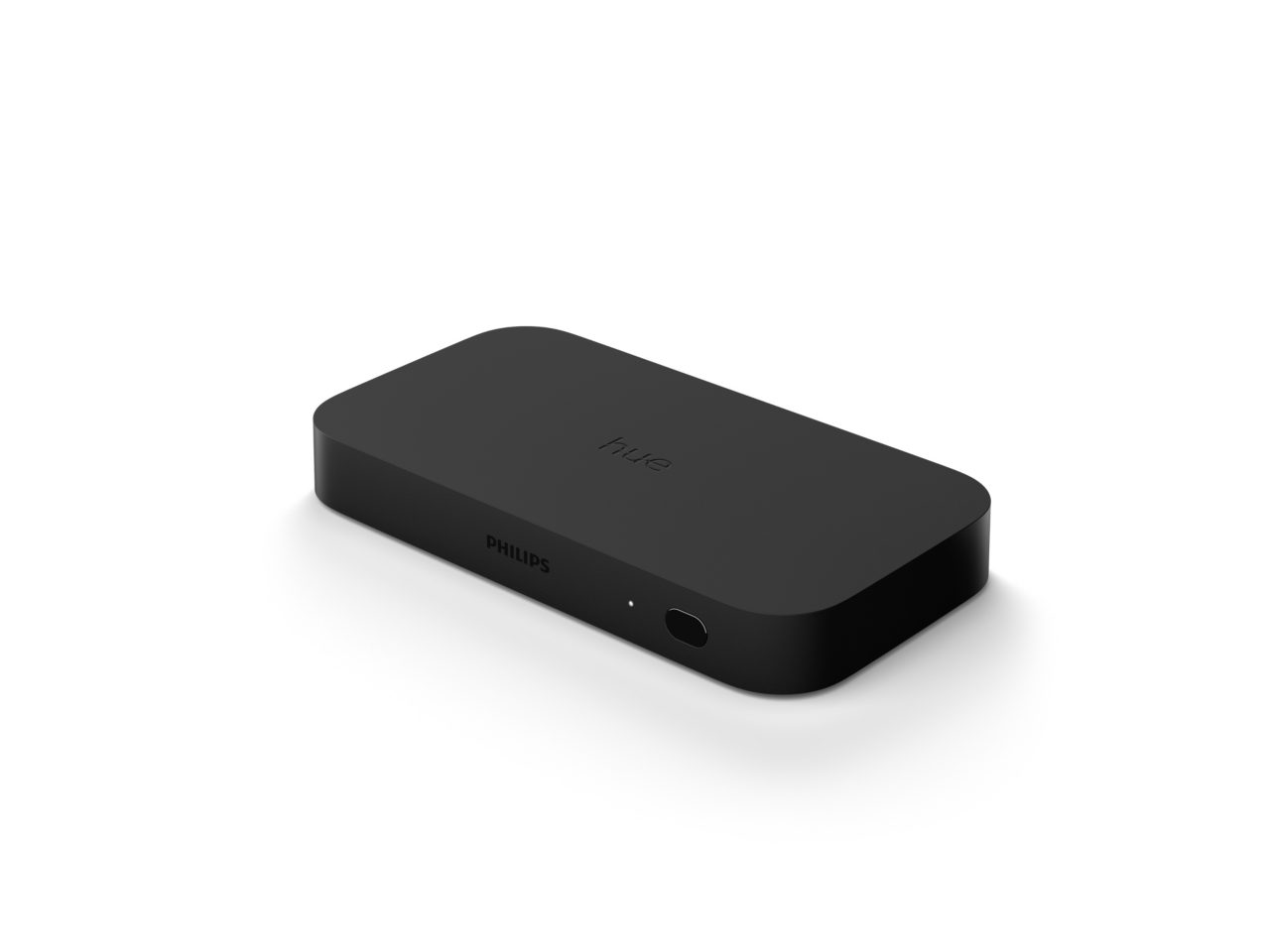
Sync your smart lights to your on-screen TV content with the Philips Hue Play HDMI Sync Box. Four HDMI inputs allow you to connect your media devices to your Hue setup, resulting in a fast, seamless display of colorful smart light that responds to and reflects the content you watch or listen to.
- Philips Hue Bridge required
- Sync lights to any HDMI device
- Supports Dolby Vision, HDR10+, 4K
- Adjust intensity & brightness
Features
- Product number (EAN/UPC)
- 046677555221
Design and finishing
- Color
- Black
- Material
- Synthetic, Metal
Durability
- Nominal lifetime
- 10,000
Environmental
- Operational humidity
- 5% <H<95% (non condensing)
- Operational temperature
- 0°C - 40°C
Packaging dimensions and weight
- EAN/UPC - product
- 046677555221
- Net weight
- 0.68 kg
- Gross weight
- 1.04 kg
- Height
- 20.1 cm
- Length
- 29.6 cm
- Width
- 10.2 cm
- Material number (12NC)
- 929002275801
Packaging information
- EAN
- 046677555221
Power
- Power Supply
- 100 - 240 V
Power consumption
- Adapter voltage
- 24
- Standby power consumption
- 1.5
- Power
- 7.3
Product dimensions and weight
- Net weight
- 1.00 lb
- Overall height
- 15/16 inch
- Overall length
- 3-15/16 inch
- Overall width
- 3/4 inch
Service
- Warranty
- 2 year(s)
Technical specifications
- Lifetime
- 10000 hrs
- Mains power
- 100-240 V
- Class of protection
- Class II - Double Insulated
- Time until standby
- 20
What's supported
- Compatible with Effects
- Yes
- Philips Hue App
- Android 10.0 and above, iOS 16 or later
- Voice assistants (Hue Bridge required)
- Amazon Alexa, Google Assistant
- Ports
- 4
- IR receiver
- Yes
- WiFi
- Works without Wi-Fi
- HDMI
- Yes
- Video resolution
- 4K 60Hz; 1080p & 1440p 120Hz; HDR10+ & Dolby Vision
- CEC
- Yes
- Video formats
- HDR10+; Dolby Vision
- Audio formats
- Dolby Atmos
- Supported
- Bluetooth 4.2 for installation with WIFI
- Defined support period
- Minimum 60 months from date of purchase from an authorized reseller
- Compatible operating systems
- iOS, Android
- Communication protocol
- Bluetooth, Zigbee
- Compatibility with 3rd party systems
- Alexa, Google Home, Apple Home, IFTTT, Klikaanklikuit, Matter, Samsung Smartthings, Sonos
Other
- User manual
- User Manual
- Disposal of the product
- At the end of (economic) life dispose the product according to local rules and do not dispose the product with regular household waste. The correct disposal of your product will help prevent potential negative consequences for the environment and human health
- Dismantling
- No dismantle information available
FAQs
What media devices does the Hue sync box support?
The Hue sync box supports devices with an HDMI connection. The HDMI device must be plugged into the Hue sync box with an HDMI cable. Smart TV apps and their related services are not supported as their signal doesn’t pass through an HDMI cable.
If you want to sync your smart TV apps with your lights, you can use the Sync TV app on compatible Samsung TVs.
What video formats do the sync box 4K and sync box 8K support?
The sync box 8K supports formats up to 8K at 60 Hz and 4K at 120 Hz in addition to supporting HDMI 2.1. This means that the sync box 8K was designed to support HDMI content well into the future.
The sync box 4K supports HDMI 2.0 and formats up to 4K at 60 Hz and 1440p at 120 Hz.
Is an HDMI cable included with the Hue sync box?
Yes. The Hue sync box comes with one HDMI cable. You can use this to connect the Hue sync box to the TV.
Does the sync box support the latest gaming consoles?
Yes. The sync box 4K supports gaming consoles up to 4K at 60 Hz and 1440p at 120 Hz. The sync box 8K supports gaming consoles up to 8K in 60 Hz and 4K in 120 Hz.
Any format above these specifications will be downgraded, so you'll still be able to sync your lights.
What does the Philips Hue Play HDMI sync box do?
The Hue sync box reads the video or audio signal from an HDMI device — a set-top box, gaming console, or streaming stick, for example. The Hue sync box sends this signal to your Hue Bridge, which then instructs the color-capable smart lights in your Entertainment area to react.
How many HDMI devices does the Hue sync box support?
You can connect up to four HDMI devices directly to the Hue sync box. If you want to connect more, connect an HDMI splitter or A/V receiver to the Hue sync box.
What video and audio formats does the sync box support?
The sync box 4K supports HDMI 2.0 up to 4K in 60 Hz and 1440 p in 120 Hz, Dolby Vision, and HDR10+.
The sync box 8K supports HDMI 2.1 uptp 8k in 60 hz and 4k in 120Hz, Dolby Vision, and HDR10+.
Not sure which Philips Hue sync option is right for you?
Check our sync guide to compare the available options and find the best setup for your needs