Smart lighting home automation with Nest and Philips Hue

Works with Nest: How to integrate Philips Hue and Google Home

May 13, 2026

The way our smart homes "think" and respond has undergone a massive shift. While the legacy Works with Nest program paved the way for the smart home revolution, the current era is defined by universal compatibility and effortless connection. Today, your Philips Hue smart lights and Google Nest devices collaborate through the Google Home ecosystem, powered by the Matter standard. This ensures that whether you’re asking your Google Nest Hub to set a Focus scene or using a Nest Cam to trigger a security light, the response is instant and reliable.

By integrating Philips Hue and Google Nest, you aren't just connecting gadgets; you’re crafting an environment that anticipates your needs. Imagine your hallway lights gently illuminating as you walk by, or your entire home shifting to a warm sunset glow as your Nest thermostat adjusts for the evening.

The new era of connectivity: Matter and Google Home

For years, the phrase "Works with Nest" was the gold standard for interoperability. That standard has now evolved into a more open and powerful system. Most users have migrated their legacy Nest accounts to Google Accounts, allowing Philips Hue products to appear natively within the Google Home app.

Man and woman walking towards house with outdoor smart lighting turned on with Nest and Hue integration

The most significant advancement is the adoption of Matter. Your Hue Bridge now acts as a Matter controller, meaning every light connected to it is automatically compatible with Google Nest devices. This transition removes the technical barriers of the past, offering faster local control and the ability to manage your home across multiple platforms simultaneously — a feature known as multi-admin support. 

Using Philips Hue with Google Nest Hub

The Google Nest Hub is more than just a smart display; it is the visual heart of your lighting system. When you integrate Philips Hue with Google Nest, you gain a level of control that feels both futuristic and intuitive.

  • Vocal precision: Use the Google Assistant to control specific zones. "Hey Google, turn the dining room to Savanna Sunset" transforms your space instantly.

  • Visual dashboard: On the Nest Hub screen, you can see exactly which lights are on and adjust their brightness with a quick swipe.

  • SpatialAware intelligence: The 2026 "SpatialAware" update allows your Hue lights to intelligently distribute color based on your proximity to the Nest Hub, creating a lighting "sweet spot" tailored to where you are sitting. 

Setting up your system: Bridge vs. Direct Connection

There are two primary ways to bring Philips Hue into your Google Nest environment. The best choice depends on how many lights you have and which features you prioritize.

Man walking up to house door with outdoor wall lights on configurating Nest with Philips Hue

Setting up with a Philips Hue Bridge

For the most comprehensive experience, a Bridge is essential. It unlocks the full suite of Philips Hue features, including entertainment syncing and Hue Secure integration.

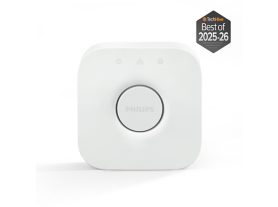
The standard Philips Hue Bridge

The classic Bridge remains a reliable choice for most homes. It supports up to 50 lights and 12 accessories, ensuring that your Google Assistant commands are carried out instantly across your entire apartment or mid-sized house.

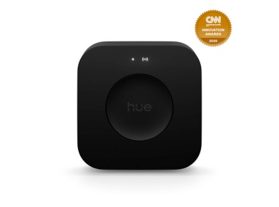
The Philips Hue Bridge Pro

For larger homes or enthusiasts, Bridge Pro represents the next generation of smart hubs. It triples the capacity of the standard model, supporting 150+ lights and 50+ accessories. Explore the Hue Bridge guide

  • MotionAware™ technology: The Bridge Pro allows your lights to act as motion sensors, turning on as you enter a room without needing extra hardware — perfect for hands-free control with your Nest Hub. 

  • Faster processing: Powered by a high-performance chip, it is up to five times faster than the standard Bridge, making your complex Google Home automations feel instantaneous. 

How to connect with a Philips Hue Bridge


  1. Open the Google Home app and tap the Plus (+) icon.
  2. Select Set up device and then Works with Google.
  3. Search for Philips Hue and log in to your account to authorize the connection.
  4. Your rooms and scenes will sync automatically, allowing for immediate control.

Follow our guide to Set up your Hue Bridge

Direct Matter connection (Hub-free)

If you are starting small with a few Matter-enabled Hue bulbs, you can connect them directly to a Google Nest Hub (2nd Gen) or Nest Wi-Fi Pro, which act as Thread Border Routers. 

  1. Ensure your bulb has the Matter logo on the packaging.
  2. In the Google Home app, select Add Device.
  3. Scan the Matter QR code located on the bulb or the setup guide.
  4. The bulb will pair directly over the Thread network for a fast, local connection without a dedicated Bridge.

Philips Hue products for Google Nest users

25% off with code GOAL25
Bridge

Bridge

$69.99

Bridge Pro

Bridge Pro

$139.99

25% off with code GOAL25
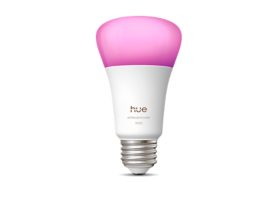
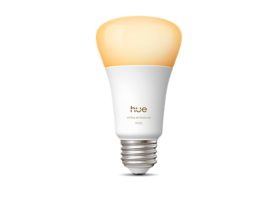
75W A19- E26 smart bulb
25% off with code GOAL25
Philips Hue Play HDMI sync box 8K
25% off with code GOAL25
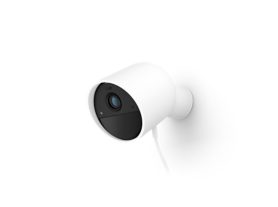
Secure wired camera
25% off with code GOAL25
A60 - E26 smart bulb - 1100
25% off with code GOAL25
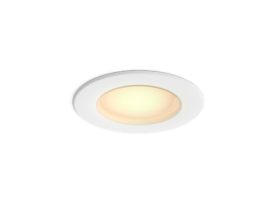
Retrofit Recessed Can Downlight 5 or 6 inch
25% off with code GOAL25
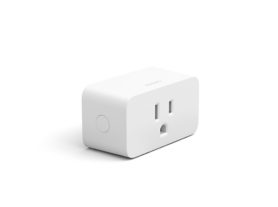
Smart plug
25% off with code GOAL25
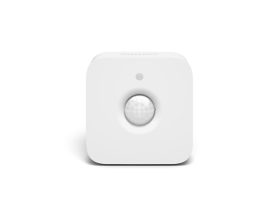
Motion sensor

Discover more Smart home products

Inspirational automations for your daily life

The magic of "Philips Hue and Google Nest" is best seen in routines. These allow multiple devices to work together based on a single command or trigger.

  • The "Good Morning" routine: As your Nest Hub alarm goes off, your Hue lights slowly fade in to mimic a sunrise, and the Google Assistant provides your weather report and calendar for the day.

  • Immersive Cinema Mode: Create a routine where saying "Hey Google, it's movie time" dims your Hue lights to 10%, closes the smart blinds, and switches your Play Gradient strip light to sync mode.

  • Enhanced home security: If your Hue Secure camera detects motion outside at night, your indoor lights can flash a bright white, while your Nest Hub displays the live video feed immediately.