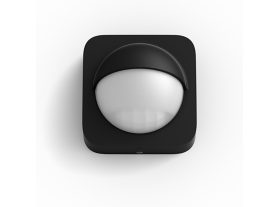
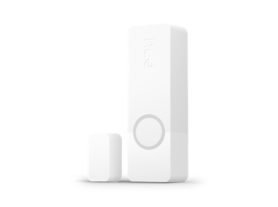
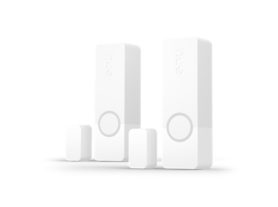
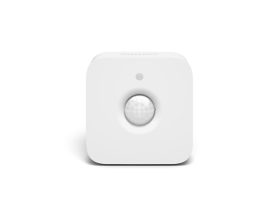
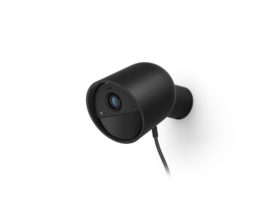
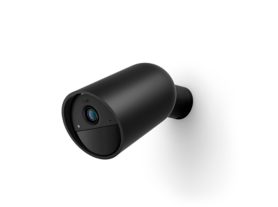
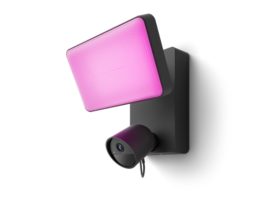
• Monitor your home in real time
  • Home security in the palm of your hand
  • Get instant alerts

Home security in the Hue app

You’ve got the tools: secure cameras, motion and contact sensors, and smart lights. Now, meet the brains: the Security Centre in the Philips Hue app – and make your home security brighter than ever.

Complete home security and remote light control with the Hue app

Hue Secure comes with thoughtful software features designed to help you to feel secure, wherever you are. Here are a few of our team's top picks.

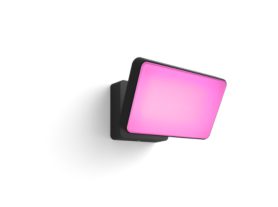
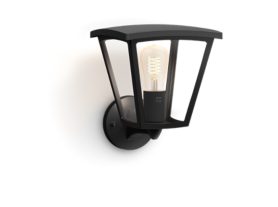
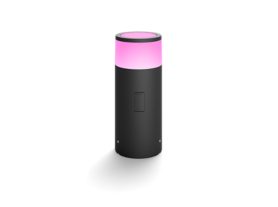
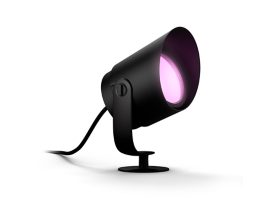
Outdoor smart lights installed on walls and along pathway illuminate the entrance and garden area of a modern house at night.

Light Alarming

Trigger lights and sirens automatically or on demand when motion is detected in the Armed State, adding an extra layer of security.

A person monitors their front door with a Hue Secure video doorbell via the Hue app while away from home.
Icon-timer

Instant Smart Alerts

Receive real-time notifications in the Hue app when your video doorbell, motion sensors, contact sensors, or cameras detect activity. Spot something unusual? Take immediate action or activate alarms to deter intrusions.

A person stands on a patio holding a smartphone, with a security camera visible above and a garden setting in the background.
Icon - home timeline

Timeline

Keep track of everything that happens in and around your home, no matter where you are.

A woman at a front door talks and waves at Hue Secure video doorbell.
Icon-alarm

Light Chime and Alerts

Turn your Philips Hue lights into security signals-get notified when someone rings the doorbell or when the Smoke Alarm Siren is triggered.

A person stands outside a modern house using a smartphone, with outdoor lights on and a home security app interface visible.
Icon-settings

Arming Automation

Easily arm and disarm your security system on schedule or manage everything directly from the app.

White smart switch device plugged into a wall socket on a desk, near a lamp and stacked books, with signal waves illustrated.
Icon - motion sensitivity

Mimic Presence

Use your lights to create the illusion of activity at home, even when you're away.

A white security camera is placed on a wooden surface near books, with a smartphone displaying security plan features in the foreground.

Get even more features with a plan

Choose from a Basic or plus plan to get access to advanced features, such as video history, Activity and Package zones, and smarter alerts that notify you if your camera detects a person, animal, or vehicle.

Person holding a smartphone, viewing a security camera feed displaying a delivery person with packages at the door.

Seamless control of lights and home security in one app

The Hue app lets you take control over every part of your smart security system from anywhere with an internet connection. With just a tap, you can arm or disarm your system, grant permissions to members of your Home — or just check to see whether you left the back door open.

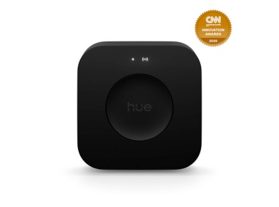
A black Hue Bridge Pro smart home hub

Upgrade to Hue Bridge Pro — make your lights motion-aware

Make your lights smarter with Hue Bridge Pro. Turn them into motion-aware sensors that respond to movement, send notifications, and light up the moment. Plus, unlock light alarms, presence mimicking, and other light features-all from the system you already trust.

Questions & answers about home security systems

What can I see on a secure timeline with my video doorbell and chime?

What can I do with my security system if I think there's an intruder in my home?

Which Philips Hue products work with a Secure setup?

How many Secure cameras, video doorbells, or chimes can I have in one Philips Hue Home?

What technology allows you to remotely control your home security?

Does the home app video doorbell announce on my phone?

Can't find an answer?

¹Philips Hue Bridge required.