A group of people watching TV in a living room with lights that sync with TV for an immersive entertainment experience.

Lights that sync with the TV: The ultimate guide to immersive home entertainment

11 February 2026

Stepping into a modern home cinema in 2026 is no longer just about the size of the screen or the depth of the bass. It’s about the atmosphere. The most sought-after upgrade for cinema lovers or gamers today is lights that sync with the TV, a technology that blurs the boundaries between the on-screen world and the room. Whether you are battling in a high-stakes video game or watching a cinematic masterpiece, "surround lighting" creates an environment where every flash of lightning and every sunset glow is felt throughout the entire space.

What are LED lights that sync with the TV?

At its core, this technology involves smart LED lights that sync with the TV by sampling the colours on your display in real time. Instead of a static glow, these lights are dynamic—they mirror the movement and palette of your content. If a red car zooms across the left side of your screen, the lights behind the left side of your TV will pulse red in perfect unison.

A collection of color-capable smart lights placed near a wall-mounted TV, casting synchronised coloured light onto the wall.

This effect, often called "bias lighting," serves two purposes. First, it provides total immersion, making the screen feel much larger than its physical dimensions. Second, it is a functional tool for eye health; by providing a soft glow behind the screen, it reduces the harsh contrast between a bright TV and a dark room, significantly lowering eye strain during long binge-watching sessions.

Hue TV lighting bundles and lighting controls

Sale
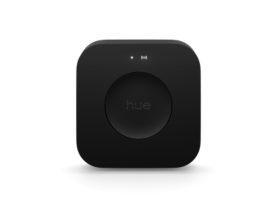
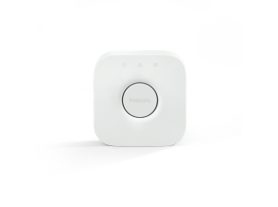
Bridge

$99.95

Sale
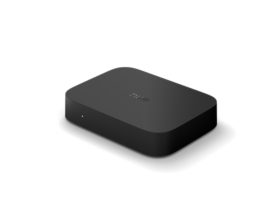
Bridge Pro

$179.95

Explore the lighting controls collection and the TV lights packs


How to sync LED lights to the TV: a step-by-step overview

If you are researching how to sync LED lights to your TV, there are two main pathways to achieving that professional 'Ambilight' effect.

1. Use a hardware sync box

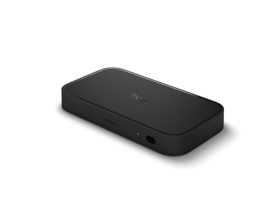
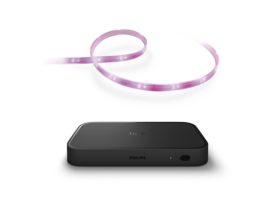
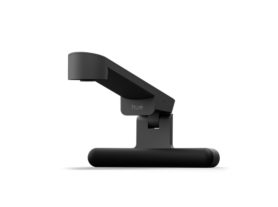
For the most accurate, lag-free experience, a hardware box (like the Philips Hue Play HDMI sync box) is the gold standard. You connect your media sources – such as a streaming stick, cable box or gaming console – into the sync box, and the box to your TV. It intercepts the digital signal, analyses the colours and tells your lights exactly what to do with millisecond precision.

Close up of Philips Hue Play HDMI sync box

2. Native smart TV applications

Many modern smart TVs now feature native apps that handle syncing internally. This is ideal for users who primarily use built-in streaming apps and want to avoid extra cables.

Elevate your viewing: Philips Hue for LG and Samsung TVs

Transform your living room into an immersive home theatre by syncing your Philips Hue smart lights with your favourite LG TV or Samsung TV. While traditional set-ups require the Philips Hue Play HDMI Sync Box to mirror your screen, owners of modern LG and Samsung models can now enjoy an immersive experience using the Philips Hue Sync TV app

Smart light bars placed on both sides of a TV display coloured light onto the wall, matching on-screen content in a modern living room.

This native integration allows your lights to react instantly to everything on screen—including built-in streaming apps and gaming consoles—delivering a seamless, low-latency "Ambilight" effect without the extra hardware. Whether you're gaming or watching cinema-grade Dolby Vision content, Philips Hue provides the ultimate atmospheric upgrade. 

Get started with the Hue Sync TV app

Check your TV compatibility

Step 1

Check your TV compatibility

The app is available on many Samsung and LG TVs. Check your TV's App store for availability. 1, 2

Set up your Philips Hue system

Step 2

Set up your Hue system

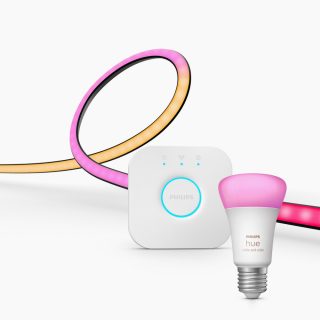
You'll need a Bridge and color-capable Hue lights. Once installed, you can create an Entertainment area in the Hue app.

Step 3

Download the app

Go to your TV’s App Store to download and buy the app on your TV and then connect it to your Hue system.

Watch how-to guide for Samsung

Watch how-to guide for LG


The Philips Hue difference: Why ecosystem matters

While many products offer basic colour matching, the Philips Hue ecosystem is built for high-performance home cinemas. The key is the Hue Bridge and the more advanced Bridge Pro, a dedicated smart hub that allows your lights to communicate on a separate frequency from your Wi-Fi, ensuring your light show doesn't stutter even during high-action scenes.

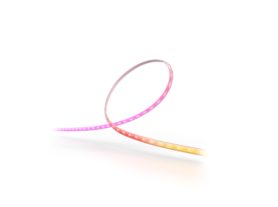
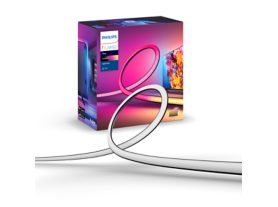
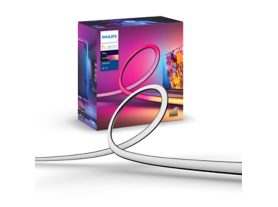
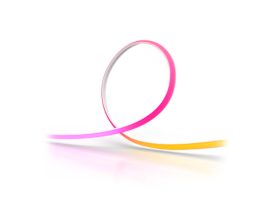
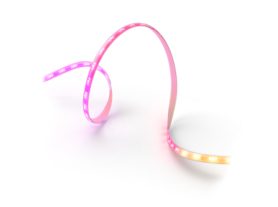
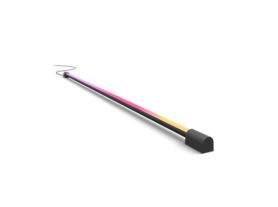
Philips Hue TV Sync LED strip lights

Discover the TV strip lights collection and check TV backlight ideas


Beyond the screen: creating an 'entertainment area'

One of the most inspirational aspects of lights that sync with TVs is the ability to expand the experience to the whole room. Using the Hue app, you can create a virtual 'Entertainment area'. You tell the app exactly where your lights are – on the floor, on a bookshelf or in the ceiling – and the system treats your living room like a 3D canvas.

Immersive gaming with HDMI 2.1

For gamers, the stakes are higher. The latest Philips Hue Play HDMI sync box 8K supports high-bandwidth signals (HDMI 2.1), meaning you don't have to sacrifice 120Hz refresh rates or VRR for the sake of your lighting. The lights react to every explosion and muzzle flash, creating an immersive gaming experience that truly feels "next-gen."

Two play wall-washer lamps placed on each side of a TV and glowing in vibrant green and blue smart light.

Explore more gaming light ideas.

Movie night: from living room to cinema

When you're ready for a film, you can set the 'intensity' level. For a romantic drama, you might choose a subtle, slow-fading transition. For a superhero blockbuster, you can turn the intensity to 'high' to ensure that the lights keep up with every fast-paced cut.

A couple watching TV in a living room with colourful smart lighting synced to the on-screen content.

Pro tips for the best TV sync set-up

  • Distance matters: position your TV roughly 15 to 30 cm away from the wall to allow the light to diffuse properly.
  • Wall Colour: A white or light-colored wall provides the most accurate colour reproduction.
  • Sync with music: remember that your TV lights aren't just for visuals. Most sync systems include a music mode that turns your living room into a concert hall by reacting to the beat.

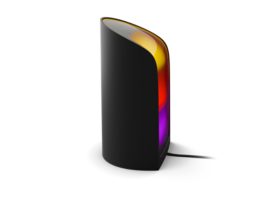
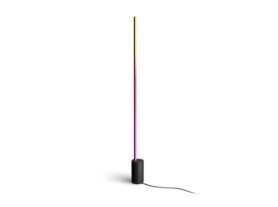
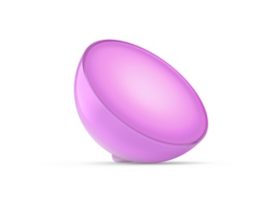
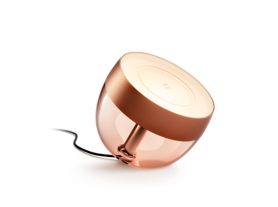
Explore the TV table lamps and floor lamps collections 

Ready to explore more? Check out our full range of Philips Hue products or learn about the latest gradient strip light technology to reimagine your space today.

Transforming your house into a smart home, starts with understanding the benefits of a smart hub and choosing the right gradient strip light technology. Whether you want to reduce eye strain or create a professional-grade cinema, the right lights that sync with TV are the key to a more vibrant experience.