February 27, 2026


Stepping into a gaming room should feel like entering another world. Whether you are navigating a dark dungeon, racing through neon-lit cityscapes, or coordinating a tactical raid with friends, the atmosphere around you defines your experience.
Lighting is the secret ingredient that transforms a standard desk setup into a professional-grade battle station. It’s not just about seeing your keyboard; it’s about depth, mood, and focus. In this guide, we’ll explore the best ways to use light to reduce eye strain, enhance your décor, and truly immerse yourself in the game.

The foundation of gaming room ambient lighting
Before diving into specific products, it’s important to understand the three layers of lighting that make a gaming space functional and beautiful:
- Ambient lighting: This is your base layer. It provides enough light to move around safely without causing glare on your screen.
- Task lighting: Focused light where you need it most—usually your desk or keyboard area.
- Accent lighting: This is how the magic happens. Use RGB lights to highlight architectural features, shelves, or your PC case.
By balancing these three, you create a space that feels professional and prevents the "cave" effect that leads to headaches during long sessions. To learn more about how light affects your space, check out our guide on mood lighting ideas.
Screen and monitor enhancement lighting products
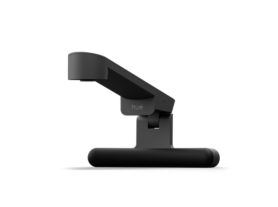







Explore more Hue gaming lights
10 creative gaming room lighting ideas
Whether you have a dedicated room or a small corner in your bedroom, these ideas will help you build an environment that reacts to your every move.
Ambiance and Accent lighting products for gaming
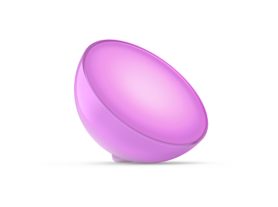
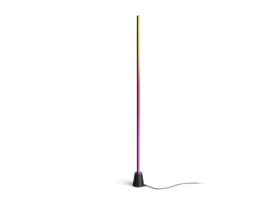
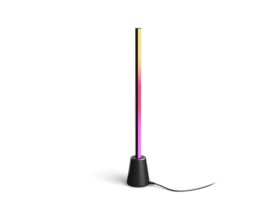
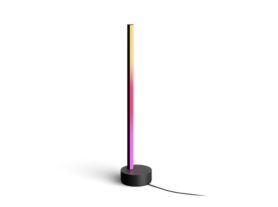
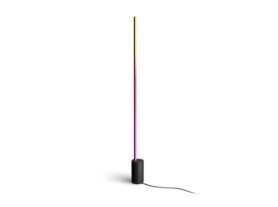
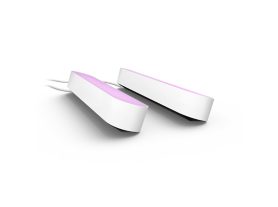
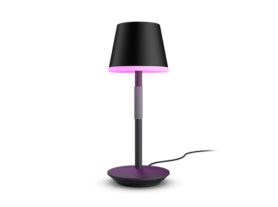
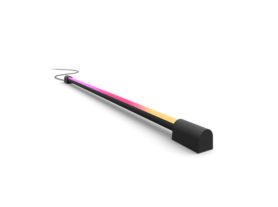
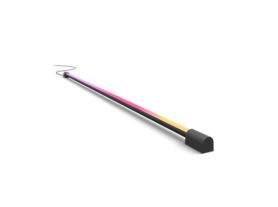
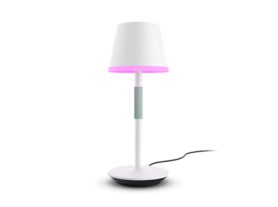
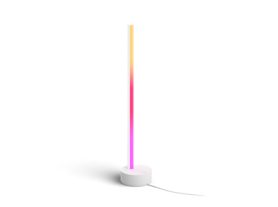
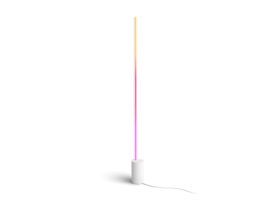
Explore the Hue floor lamps and table lamps collections
1. Use bias lighting for visual comfort
Placing light behind your monitor, known as bias lighting, is one of the most effective gaming room lighting ideas. It increases the perceived contrast of your screen and reduces eye strain by softening the harsh transition between a bright display and a dark wall.
2. Enhance your desk with LED gaming room lights
LED strips like the Philips Hue Flux strip lights, are a staple for a reason. Running LED gaming room lights along the back or underside of your desk creates a "floating" effect, making your setup feel modern and grounded in light.

3. Introduce depth with wall washers
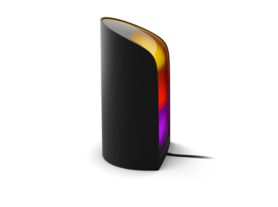
Don't let your walls stay flat and dull. Use floor lamps like the Hue Signe gradient lamp or special smart lights such as the Hue Wall washer or Play bars to "wash" your walls with color adding incredible depth to the room, making it feel larger and more dynamic.
4. Showcase your hardware with internal PC lighting
If you have a glass-panel PC case, your internal components should be part of the show. Use small LED strips to highlight your GPU and fans, turning your hardware into a piece of digital art that contributes to the room’s glow.
5. Create a themed color palette
Consistency is key. Instead of a chaotic rainbow, choose a theme in the Hue app. A "cyberpunk" look uses hot pink and cyan, while a "stealth" build might use deep reds and oranges. Understanding the benefits of LED lights allows you to swap these themes instantly to match your game’s genre.
6. Sync your environment to the action
The pinnacle of immersion is lighting that reacts to what’s happening on-screen. When your room flashes red as you take damage or glows green in a forest, you aren't just playing a game—you're inside it. This is the ultimate way to use gaming room RGB lights.

7. Use smart sensors for "automated entry"
Imagine walking into your room and having your battle station slowly pulse to life as you sit down. Smart motion sensors can trigger your custom "Game On" scene the moment you enter, setting the perfect mood without you pressing a button.
8. Layer your levels (Top, Mid, Low)
Professional setups use light at different heights. Combine ceiling lights like the Hue recessed lights (top), desk lamps (mid), and under-furniture strips (low) to create a 360-degree envelope of light that feels natural and immersive.
9. Highlight your collection
If you have shelves full of collectibles or games, give them their own accent lighting. Small, focused recessed lights or Hue strip lights can turn a simple shelf into a gallery of your gaming achievements, adding a personalized touch to your space.
10. Future-proof with spatial awareness
The latest trends in gaming involve lighting that knows its exact position in the room to distribute colors more naturally, mimicking how light behaves in the real world. This ensures that a flash on the left of your monitor only triggers the lights on the left of your room. You can control everything in the Hue app, when you create your ‘Entertainment Area’.
Lighting Controls for gaming
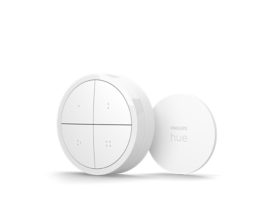
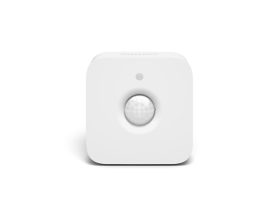
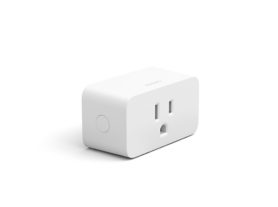
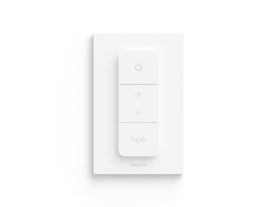
Explore the Hue lighting controls collection
Elevate your play with Philips Hue
While generic lights provide basic color, Philips Hue takes the experience further with hardware and software designed specifically for immersive entertainment.
Total immersion with Hue Sync
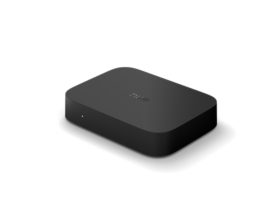
Whether you’re on PC or console, you can achieve 1-to-1 color matching. The Hue Sync desktop app (for PC/Mac) or the Play HDMI Sync box 8K (for consoles) analyzes your screen in real-time and mirrors the colors across up to 10 lights instantly. Explore lights that sync with pc options.
The next generation: SpatialAware and Bridge Pro
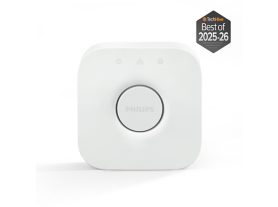
The new Philips Hue Bridge Pro introduces SpatialAware technology. By mapping your room in 3D, your system can now distribute lighting effects more intelligently, ensuring that a "sunset" scene feels like a real sun is setting across your specific furniture layout.
*Sign up and save 15%. You should receive your code within 1 hour after your subscription, but processing time may vary. This promotion is not valid on email addresses that are already enrolled in the Philips Hue newsletter. Read the Terms & Conditions for this promotion.