Ratings and Reviews
Overall score: 2.8
37 reviews
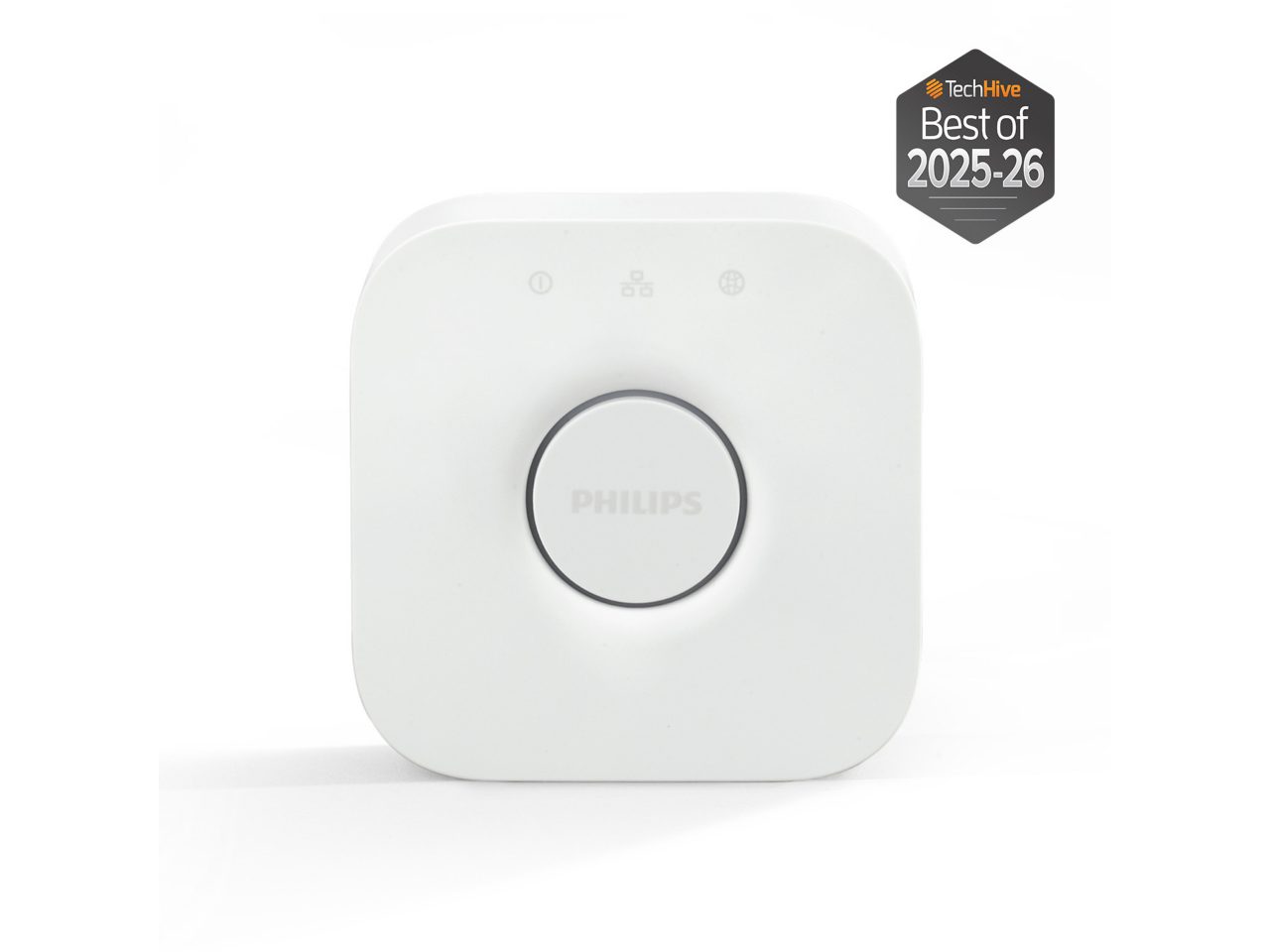
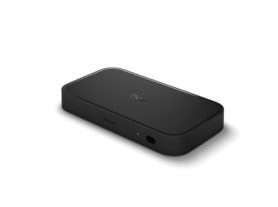
Replacement Hub. Not Plug and Play
2026-09-19T03:46:00.000+00:00
Long time Hue User
3
Old hub stopped working, Phillips support not helpful. Early adopter of Phillips Hue, 9 bulbs in use for many years. Old App stopped working the Hub stopped working. New app was unable to connect to old Hub. Phillips support was not much help, either online or by phone. Best they could offer was a 20% discount towards a new Hub. Able to get new app and Hub up and running but would not recognize or “find” the bulbs. Had to take down and unscrew each bulb and manually enter serial number into the app. Even then Hub was not able to recognize all bulbs right away, took multiple attempts.
Sync connect issues
2026-09-13T14:33:03.000+00:00
Logan
1
The Sync Box is one of the coolest things I have ever bought.... when it works. It is always "trying to connect" to the sync box. The LED strip behind my TV works always, and connects, I can make it whatever color I want at any time. When I try to connect to the "sync" so that it syncs the lights up with whatever I am playing through my firestick, its hit or miss whether it is going to connect or not. Really frustrating when I spent a good $600-$700 just for a chance for it to work each night
Hue bridge 2
2026-09-10T11:48:58.000+00:00
Casey
1
My old circle bridge worked just fine but lost all upgrade support for new accessories. The new square bridge won’t connect to the app away from the home network or online on the hue app. Basically an expensive light switch setup now with no off network capability via the internet. Huge waste of money.
I want my old. Ridge back!
2026-09-10T11:49:56.000+00:00
Gary
1
The support for upgrading is horrible . I had to literally go through my apartment and take each bulb and search by serial number to connect them to the new bridge And then I lost all my old scenes.
Screwed by greed of Philips to sell more product!!
2026-10-06T20:32:02.000+00:00
Angry Customer
1
I was forced to purchase a new hub because the company stopped supporting my original hub. That is not a way to build client love.
Fails to integrate with smart hub.
2026-09-10T11:50:43.000+00:00
Disappointed
1
At present the hub 2.0 cannot integrate with Amazon Echo, due to some undefined issue. Until the connectivity is repaired between the devices the bridge 2.0 removed capability from my previous device. Do not recommend if you use with an Echo.
Hub Stopped working
2026-09-10T11:51:10.000+00:00
Joe
1
This stopped Working all of A sudden and won’t sync or acknowledge connection. Reset modem and all open port everything it is not blocked… Will not purchase hue again.
Wouldn’t buy again
2026-09-10T11:52:13.000+00:00
Done
2
In theory seems like great idea. after attempting to use with brilliant smart lights, have decided a lot of work for lower than expected return
Too many apps.
2026-09-10T11:53:03.000+00:00
feelingmuchbetter
2
Too many apps. Devices do not work with all apps. Bridge is very difficult to config.
Hue Bridge
2026-10-06T20:32:02.000+00:00
Gus B
1
In today’s day and age of Bluetooth technology, I am unhappy that the hue bridge house to be plugged in to Wi-Fi. My whole home is set up on Bluetooth and not ethernet. Therefore I will be returning the product because it’s not compatible with my technology.