Play Gradient Lightstrip for PC

Current price is £89.99, original price is £149.99

Current price is £89.99, original price is £149.99

Bright Days -

Shop sale
Temporarily out of stock

Want to know when it’s back?

Due to the huge success of this product, it’s currently sold out. But don’t worry – we’re working hard to get it back in stock as soon as possible. Simply enter your email below, and we’ll notify you when it’s available.

  • Free shipping over £50 (UK only)
  • Free 30-day returns
  • 2-year warranty

Ensure that you're fully equipped

For a Play Gradient Lightstrip for PC a new Bridge is required

About the Play Gradient Lightstrip for PC

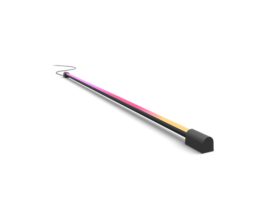
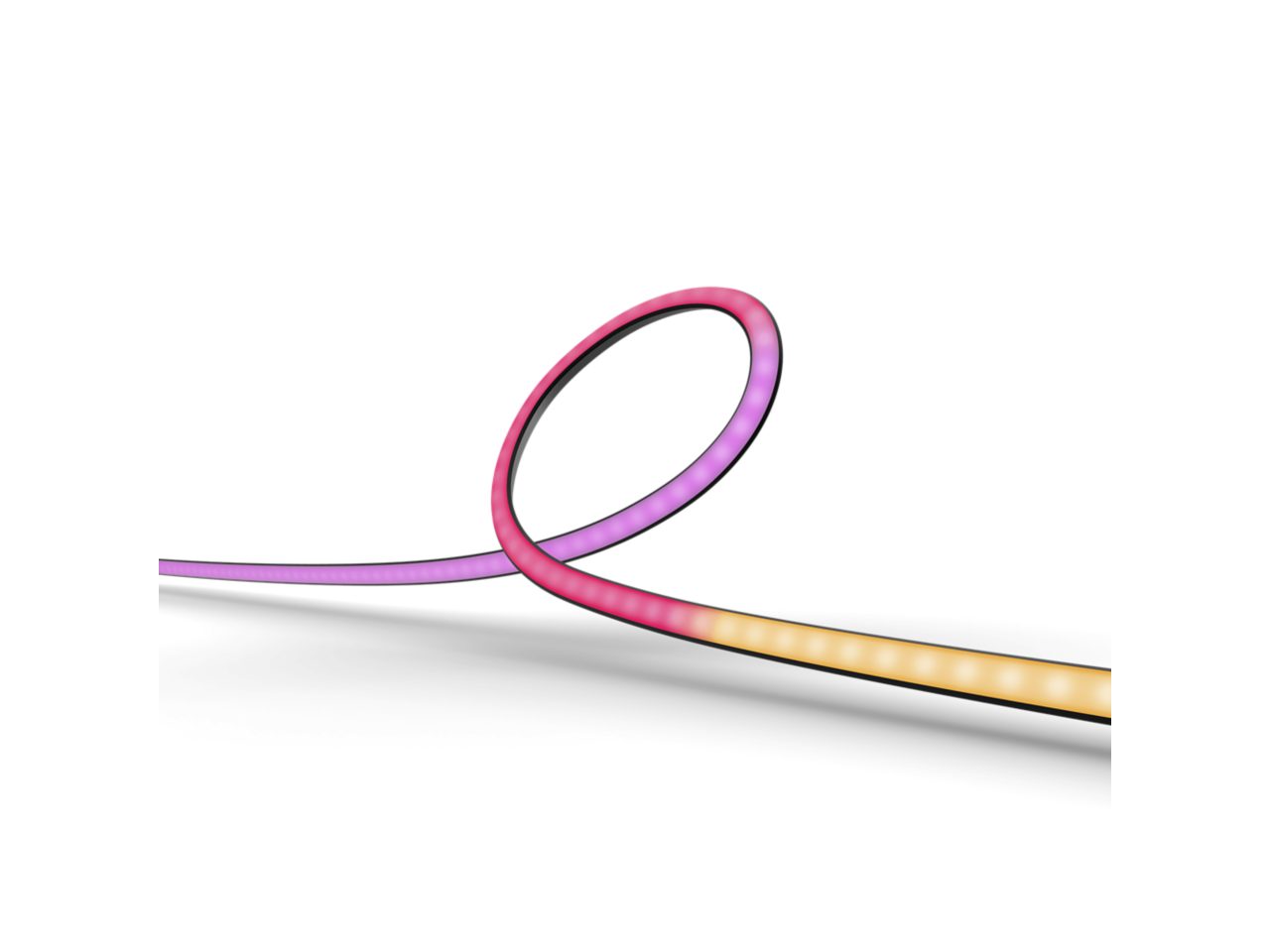
Get a gradient of reactive, colourful light for your gaming setup! Attach the Play gradient lightstrip to the back of your 32”–34” monitor with the included mounts. Start syncing with the Hue Sync desktop app to see the action on your screen reflected in the light.

  • Made for 32" to 34" monitors
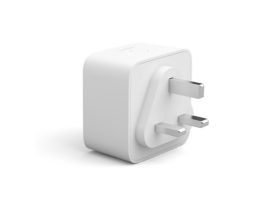
  • Includes power supply and mounts
  • Blends white and coloured light
  • Requires Hue Bridge
  • Features

    Product number (EAN/UPC)
    8719514434530

    Packaging dimensions and weight

    EAN/UPC - product
    8719514434530
    Net weight
    0.52 kg
    Gross weight
    1.19 kg
    Height
    140 mm
    Length
    290 mm
    Width
    290 mm
    Material number (12NC)
    929003498601

    Other

    User manual
    User Manual
    Disposal of the product
    At the end of (economic) life, dispose the product according to local rules and do not dispose the product with regular household waste. The correct disposal of your product will help prevent potential negative consequences for the environment and human health
    Dismantling
    Dismantle Instructions
  • FAQs

    Which size Hue Play gradient lightstrip do I need?

    For TVs, we have three sizes of Play gradient lightstrips: made for 55”, 65” or 75” TVs. For monitors, we also have three sizes: made for single 24–27" monitors, made for single 32–34" monitors and made for 24–27" triple-monitor setups. If you have a different size TV or monitor, we recommend getting a Play gradient lightstrip that is slightly smaller than your TV or monitor. Because the lightstrip is bright, it does not matter if it does not reach the corners on the back of the TV or the monitor.


    If you have a TV smaller than 50” or a monitor smaller than 24”, we recommend using Philips Hue Play light bars instead.

    Can I plug the Hue Play gradient lightstrip into the power supply unit for my Hue Sync Box or Play light bar?

    No. Please use the power supply unit included in the box for your Hue Play gradient lightstrip as plugging in the lightstrip to the same power supply unit as the Hue Sync Box or Play light bars can impact the performance of your Philips Hue products.

    Does the Hue Play gradient lightstrip come with mounts to attach it to my TV or monitor?

    Yes. Each Play gradient lightstrip comes with curved and straight mounting clips with adhesive backings. This makes it easy to attach it to the back of your TV or PC monitor.

    What should I do if my lightstrip won't connect to the Bridge?

    If your Play gradient lightstrip for PC is not connecting to the Bridge (and other devices are working properly), your Bridge may need to be updated. In the app, go to Settings > Software update.

    What should I do if my lightstrip doesn't light up all the way down the light?

    Make sure that the cables are securely plugged in and that the lightstrip is plugged in to a functioning wall socket. If the problem persists, please contact Customer Support.

    What do I need to make the Hue Play gradient lightstrip sync to my TV or PC?

    To sync to your TV screen, the Play gradient lightstrip for TVs requires a Hue Bridge and a Philips Hue Play HDMI Hue sync box (both sold separately). To sync to your computer monitor, the Play gradient lightstrip for PC requires a Hue Bridge and the free Hue Sync desktop app. To set up the lightstrip, you'll also need the Hue app.

    What should I do if my monitor is between the sizes available for the Hue Play gradient lightstrip for PC?

    We recommend getting a Play gradient lightstrip for PC that is slightly smaller than your monitor. For example, if you have a 29" monitor, get a Play gradient lightstrip for 24–27" monitors.
    The lightstrip is bright, so the light will still spread evenly over the parts of your monitor that don’t have a lightstrip.

    Why isn't there a Hue Play gradient lightstrip for PC made for double-monitor setups?

    The Hue Play gradient lightstrip for PC was created specifically for desktop gaming setups, which usually have either one or three monitors.

    Can I add the Hue Play gradient lightstrip to my existing Entertainment area?

    Yes. You can add any color-capable Philips Hue lights to an Entertainment area. For information on how to set up your Entertainment area, check out our how-to videos: How to set up an Entertainment area - YouTube

    What’s the benefit of buying a Philips Hue starter kit?

    A starter kit includes the Hue Bridge – Philips Hue’s smart lighting hub – and lets you control up to 50 lights and accessories both inside and outside your home. Additionally, depending on the type of starter kit you choose, it comes with multiple smart bulbs as well as accessories. Additionally, depending on the type of starter kit you choose, it comes with multiple smart bulbs as well as accessories.

    How can I improve the performance of the Play gradient lightstrip for PC while gaming?

    If you're experiencing any issues while your Play gradient lightstrip is syncing, there are a few ways to improve the performance.

    1. . Check the performance settings in the Philips Hue Sync desktop app. You can find this in General preferences > Choose performance mode.
    2. Reposition your Hue Bridge closer to your Entertainment area, if possible.
    3. If you have multiple Philips Hue lights in your Entertainment area, make sure that your Hue Bridge is selected as the hub of your Entertainment area. Go to Settings > Entertainment areas > Performance, toggle Automatic off and then select your Hue Bridge.
    4. You can adjust your in-game settings to increase FPS.

    How much room should be between the back of my monitor or TV and the wall behind it for the optimal light effect?

    The Play gradient lightstrip was designed to project its light onto the wall behind it, mixing the colors of light before they hit the wall. For the best colour spread, we advise a distance of about 10 cm between the lightstrip and the wall.

    What sizes does the Hue Play gradient lightstrip come in?

    There are two different types of Hue Play gradient lightstrips: one made for TVs and one made for PC monitors.
    The Hue Play gradient lightstrip for TVs comes in three sizes, based on the size of your TV: for 55”, 65” and 75” TVs.
    The Hue Play gradient lightstrip for monitors also comes in three sizes, based on the size and setup of your monitors: for single 24–27” monitors, for single 32–34” monitors and for 24–27” triple-monitor setups.

Lighting Inspiration

See how others are using Philips Hue smart lights to set the mood — and share your own setup on Instagram with the hashtag #philipshue

image by anonymous containing Purple, Entertainment, Gadget, Automotive design, Television set

@xlightningstars

image by anonymous containing Computer, Personal computer, Peripheral, Output device, Computer desk

@oct.days

image by paula containing Computer, Personal computer, Furniture, Computer keyboard, Table

@cagdas duran

image by adamleonpeters containing Plant, Output device, Interior design, Table, Television set

@adamleonpeters

image by paulo.g.c containing Computer, Personal computer, Furniture, Table, Computer keyboard

@paulo.g.c

image by keebphotography containing Computer, Computer keyboard, Personal computer, Green, Light

@keebphotography

image by anonymous containing Computer, Output device, Automotive design, Peripheral, Personal computer

@techy_cave

image by anonymous containing Computer, Table, Furniture, Property, Output device

@logicoder1

image by anonymous containing Computer, Table, Personal computer, Furniture, Computer desk

@apextyper

image by anonymous containing Purple, Musical instrument, Entertainment, Computer keyboard, Desk

@alsayed.gamer