23 January, 2026

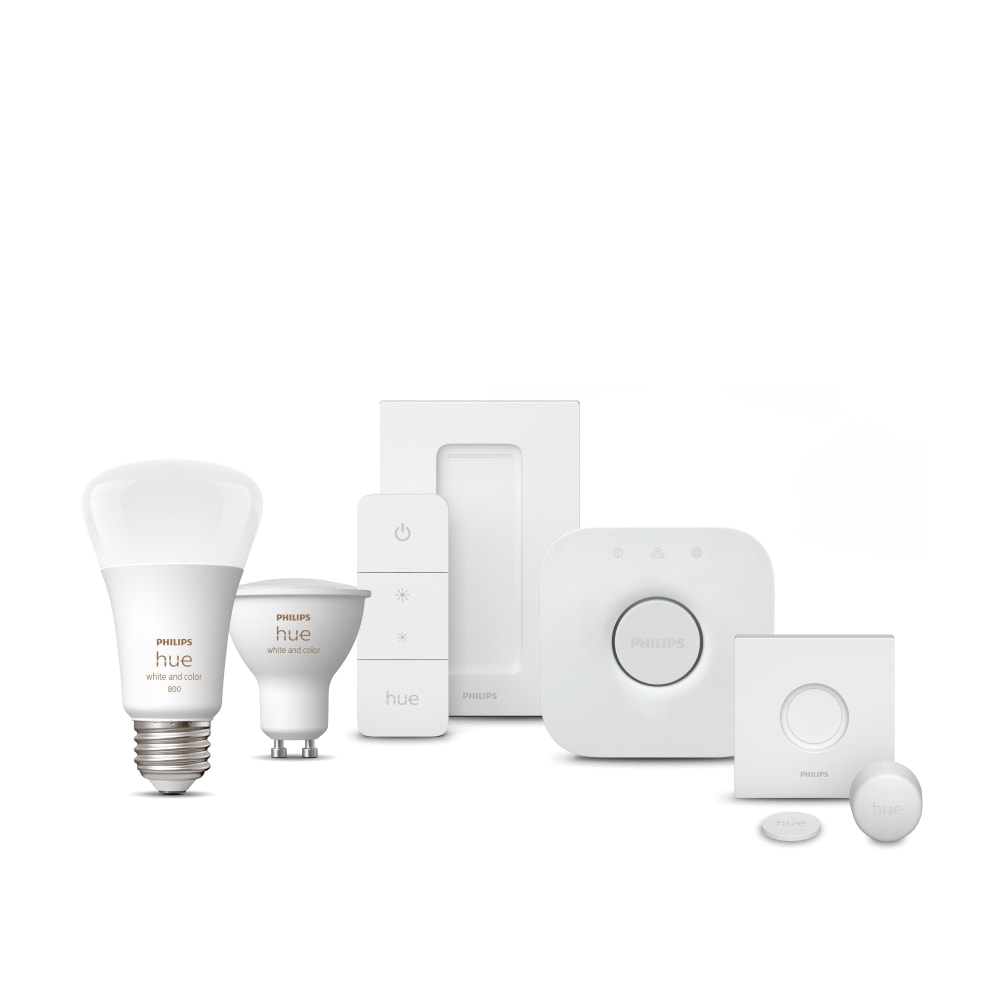
Getting started with smart lighting doesn’t need to feel technical or overwhelming. A Philips Hue starter kit is designed to make the transition simple—whether you’re upgrading one room or laying the foundation for a fully connected home. In this guide, you’ll learn exactly how to set up your Philips Hue starter kit, understand the Hue Bridge setup process, and explore how to get the most out of your system as your needs grow.
What comes in a Philips Hue starter kit
A Philips Hue starter kit includes everything you need to begin using smart lighting right out of the box:
One or more Philips Hue smart bulbs or lights
A Hue Bridge (or Bridge Pro)
A power adapter and Ethernet cable
Sometimes a smart accessory, such as a dimmer switch
The combination of smart lights and the Hue Bridge is what unlocks the full Philips Hue experience, including automations, out-of-home control, and compatibility with major smart home platforms.
To better understand how the Hue ecosystem works beyond bulbs, explore the Philips Hue guide to smart lighting systems.
The best Philips Hue starter kit for your home
Choosing the best Philips Hue starter kit depends less on “best overall” and more on how you plan to use light in your space.
Choose based on bulb type and room use
White kits are ideal for basic on/off smart lighting
White ambiance kits support warm-to-cool light for daily routines
White and color ambiance kits allow full color control for mood and atmosphere
Learn more about the differences between white and white ambiance bulbs, to choose the best for your space.
Living rooms, bedrooms, and entertainment areas often benefit from color ambiance, while kitchens and offices may prioritize adjustable white light.
Consider room size and future expansion
Starter kits are scalable. Even if you begin with two or three bulbs, the Hue Bridge supports up to 50 lights, making it easy to expand later into other rooms.
Check our blog articles for inspiration on lighting different spaces.
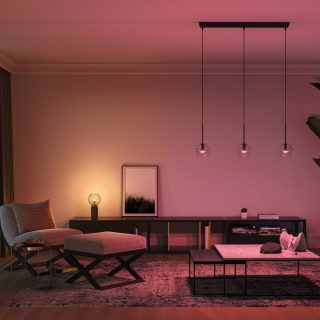
Living room
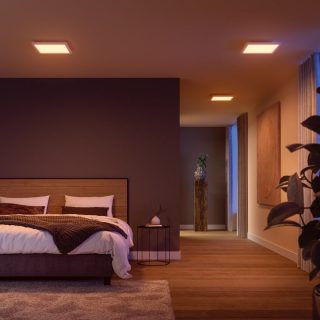
Bedroom
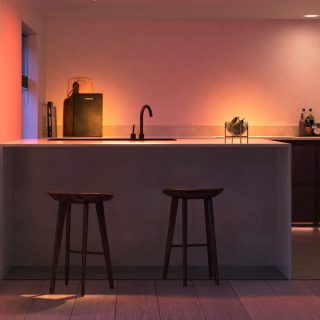
Kitchen
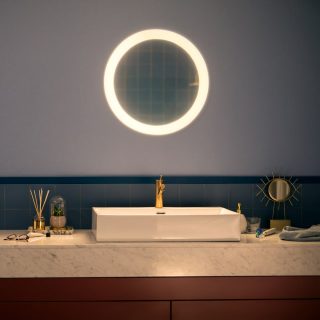
Bathroom
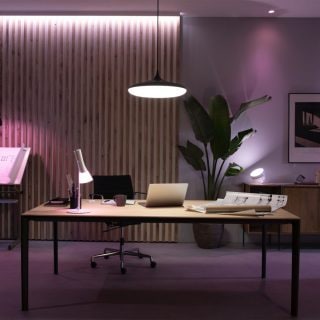
Home office

Outdoor
Philips hue starter kit guide: step-by-step setup
Step 1 – Install your Hue lights
Screw the bulbs into your existing fixtures or place Hue lamps where you want light. Turn the power on—your lights will default to white, confirming they’re ready for setup.
Step 2 – Hue Bridge setup
Connect the Hue Bridge to your router using the Ethernet cable and plug it into power. When the indicator lights turn solid blue, the bridge is ready.
The Hue Bridge enables:
Reliable Zigbee connectivity
Control when you’re away from home
Advanced automations and routines
Matter support for broader smart-home compatibility
The next-generation Hue Bridge Pro offers extra features such as:
Capability of running complex algorithms
AI-powered features,
Faster and stronger than ever
Ability to turn your lights into motion sensors with MotionAware™
Step 3 – Set up in the Philips Hue app
Download the Philips Hue app on iOS or Android. The app will automatically detect your Hue Bridge and guide you through adding your lights, assigning rooms, and creating your first scenes.
Personalizing your lighting with scenes and routines
Once your system is set up, Philips Hue becomes less about control and more about experience.
Scenes for everyday moments
Scenes let you instantly change brightness and color across a room. You might create energizing light for mornings, neutral light for working from home, and warmer tones for evenings.
Explore how scenes shape everyday spaces.
Adaptive and automated lighting
With time-based automations, your lights can gradually adjust throughout the day—cooler in the morning, warmer in the evening—supporting comfort and daily rhythm without manual input.
Expanding your Philips Hue system over time
A starter kit is just the beginning. You can gradually add more lights, outdoor fixtures, and accessories without changing your original setup.
Accessories such as motion sensors and wireless switches allow hands-free control, while integrations with voice assistants make everyday interactions even easier.
Learn more about expanding your system with smart accessories.
Why starting with a Philips Hue starter kit makes sense
A Philips Hue starter kit removes complexity while keeping possibilities open. You can start small, learn what lighting means for your daily routines, and expand naturally—room by room, moment by moment.
With reliable connectivity, intuitive controls, and a system designed to evolve with your lifestyle, Philips Hue makes smart lighting feel less like technology and more like part of your home.
Starter kit or individual bulbs: which is right for you?
For many people new to smart lighting, the choice often comes down to a starter kit versus buying individual bulbs. Let’s explore the difference between the two options:
| Starter kit | Individual smart bulbs |
| Includes multiple lights plus essential controls (like a hub or dimmer) | Usually includes just one bulb at a time |
| Designed for quick, guided setup | Setup may require more manual configuration |
| Ideal for beginners exploring smart lighting for the first time | Best for replacing a single bulb or expanding an existing system |
| Everything is tested to work together out of the box | Compatibility depends on what you already own |
| Makes it easier to experience scenes, schedules, and automation early on | Offers flexibility for targeted upgrades |
Quick takeaway:
If you’re new to smart lighting, a starter kit helps you experience how connected lighting works as a system. Individual bulbs make more sense when you already know what you want or are adding to an existing setup.
Philips Hue lighting starter kits
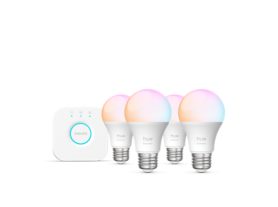
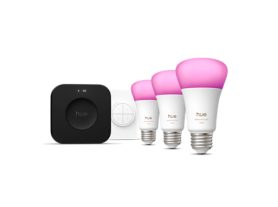
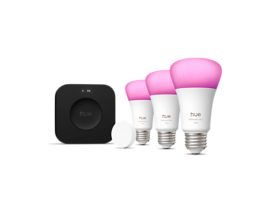
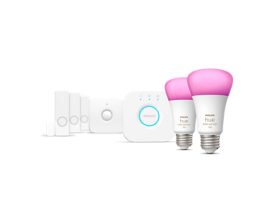
Explore the Philips Hue lighting starter kits