Not sure how to sync your Philips Hue lights with your TV?
Whether you want a simple set-up or the ultimate experience, there's a Hue sync option for every home.

Create your Hue entertainment set-up
How do you want to sync your lights?


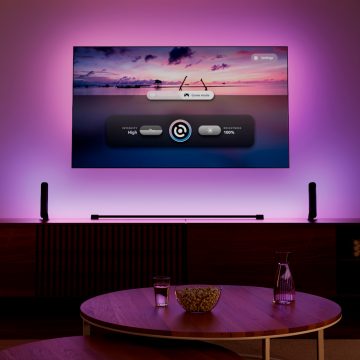
Sync TV app
Sync my lights with my Samsung or LG TV
Synchronise your Hue lights directly with compatible Samsung and LG TVs using the Hue Sync TV app. Experience immersive lighting that reacts instantly to all on-screen content, including built-in streaming apps, films, sport and gaming. No additional sync hardware needed.
What you’ll need
– Compatible Samsung & LG TV*
– At least one colour-capable Hue light
– Hue Sync TV app (subscription required)
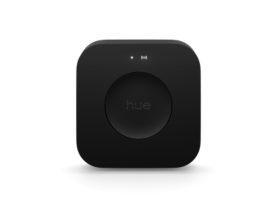
– Hue Bridge
– Hue app
Best for
– Syncing with native TV apps, broadcast TV
– Casual gaming
– Minimal, no-hardware set-up
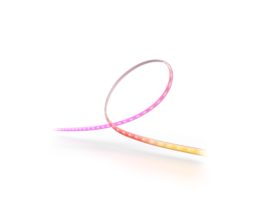
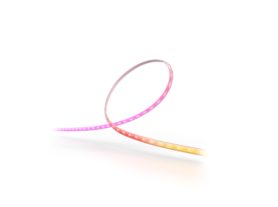
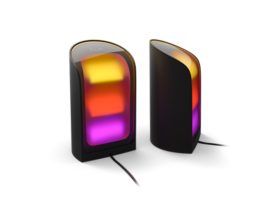
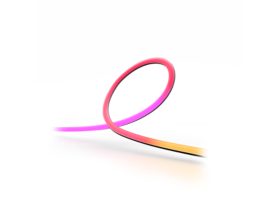
Our top picks for the Sync TV app
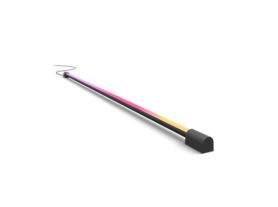
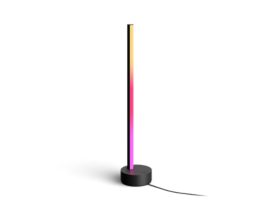
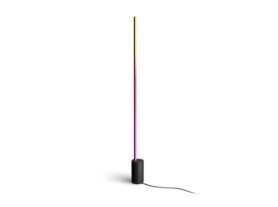
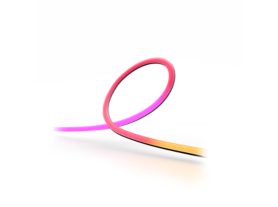
Sync TV app FAQ
Which TVs are compatible?*
Which TVs are compatible?*
How do I get started?
How do I get started?
Do I need a Hue Bridge to sync my lights with my Samsung or LG TV?
Do I need a Hue Bridge to sync my lights with my Samsung or LG TV?
Play screen sync
Sync my lights with any content on any TV
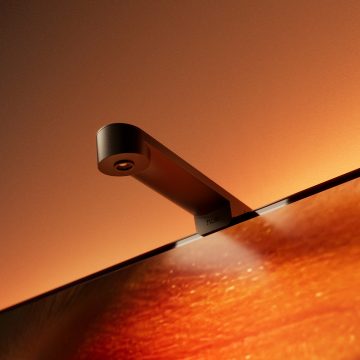
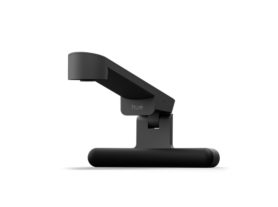
Bring TV lighting to any TV up to 85” with the Play screen sync device. The device attaches to your TV and its fish-eye lens captures the content and colours on your screen and syncs your Hue lights in real time to all content, including native TV apps and broadcast TV.
What you’ll need
– Play screen sync device
– At least one Hue TV lightstrip*
– Hue app
Best for
– Syncing any on-screen content
– Native TV apps and broadcast TV
– Simple plug-and-play set-up
What you’ll need...
Play screen sync FAQ
What is Play screen sync?
What is Play screen sync?
Why choose Play screen sync?
Why choose Play screen sync?
Do I need a Hue Bridge to sync my lights using Play screen sync?*
Do I need a Hue Bridge to sync my lights using Play screen sync?*
Our top picks for Play screen sync
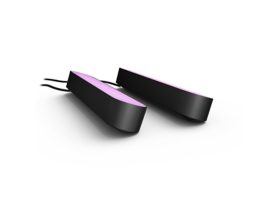
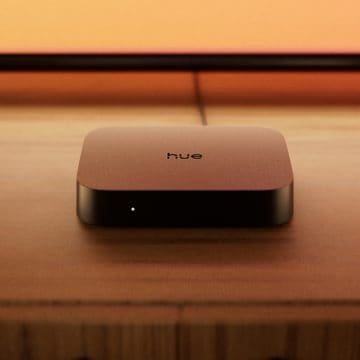
Play HDMI sync box in 4K or 8K
Sync my lights with HDMI-connected content
The Play HDMI sync box in 4K and 8K syncs your lights with HDMI-connected devices like streaming boxes and gaming consoles, delivering fast, precise light syncing in real time. The Play HDMI 4k sync box is ideal for everyday gaming and movies in crisp 4K. The Play HDMI 8K sync box supports higher resolutions and up to 120 frames per second for next-generation gaming and advanced home cinema.
What you’ll need
- Play HDMI sync box
– At least one Hue TV lightstrip*
- Hue app
Best for
– Syncing HDMI-connected content
– Advanced gaming set-ups
– Fast, smooth TV-light syncing
What you’ll need...
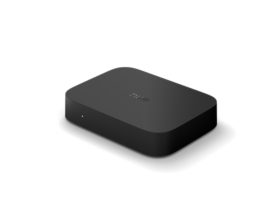
HDMI sync box FAQ
What do I need to get started?
What do I need to get started?
What's the difference between Play HDMI 4K sync box and 8K sync box?
What's the difference between Play HDMI 4K sync box and 8K sync box?
Do I need a Hue Bridge to sync my lights using an HDMI sync box?*
Do I need a Hue Bridge to sync my lights using an HDMI sync box?*
Our top picks for HDMI sync box
Compare sync options
Still deciding? Compare Hue sync solutions to find the set-up that's right for your TV and entertainment experience.
Sync TV app
Learn about sync TV appBest for
Advanced home entertainment
Advanced home entertainment
Simple set up for almost any TV
Compatible Samsung & LG TVs
Works with TV apps
-
-
Syncs all TV content
Syncs all TV content
Works with HDMI devices
Syncs all TV content
Syncs all TV content
Setup
Advanced
Advanced
Easy
Easy
TV compatibility
Any TV
Any TV
All TVs up to 85″
Compatible TVs only
Hue Bridge required
No
No
No
Yes