Ratings and Reviews
Overall score: 4
124 reviews
Hue App 4.22.1 Issues Prevents Tap Dial Setup
2026-08-18T21:06:22.000+00:00
John M
1
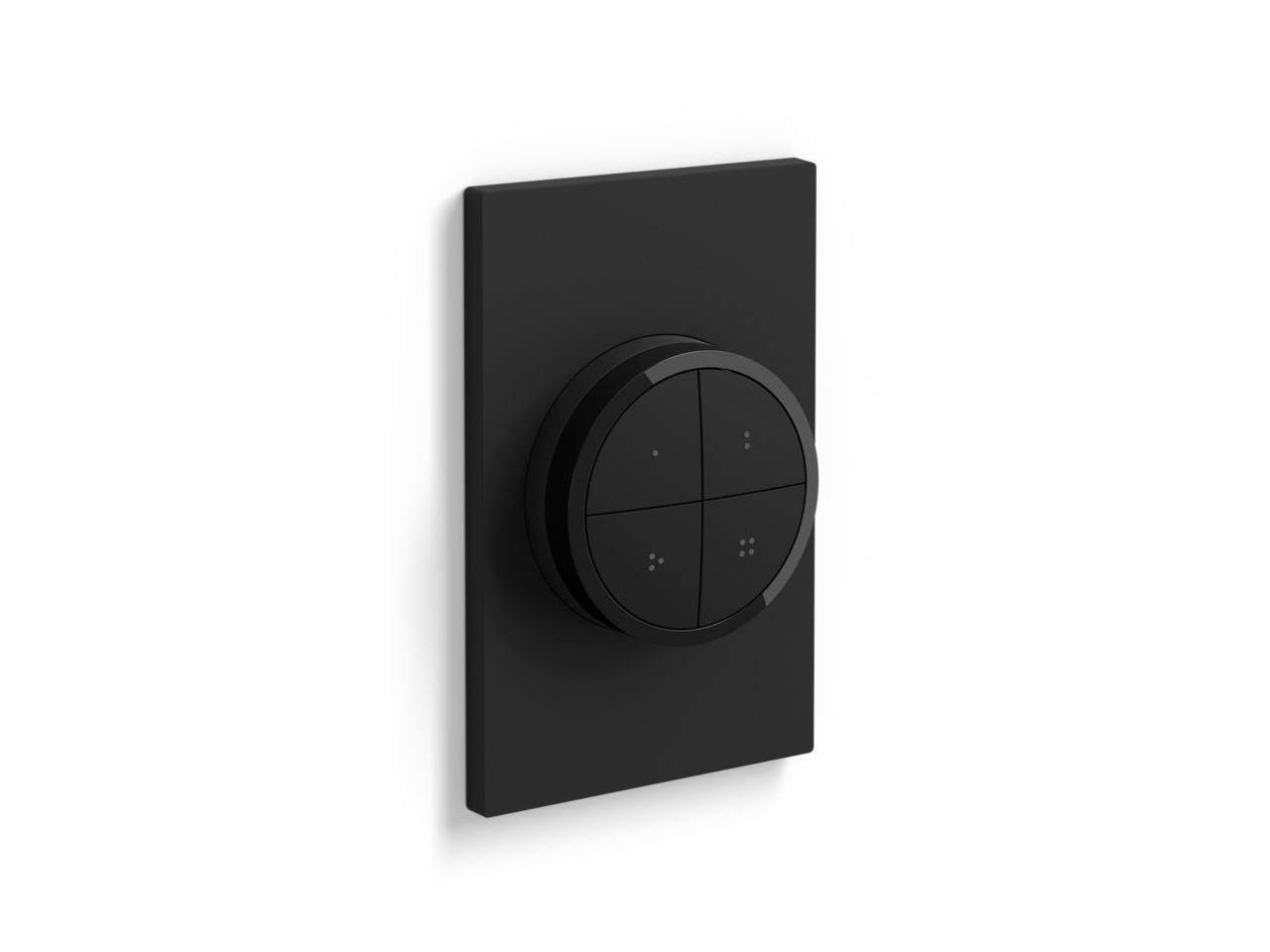
I can't get it set up on the network because it does not show up as an accessory to add inside the Philips Hue App most recent version of 4.22.1 for iOS (on an iPhone 13 Pro Max running iOS 15.5). The instruction booklet inside the box is useless with only a few pictures and no words describing setup. The Philips website has setup instructions different from the instructions booklet and also shows Hue App screenshots that don't exist in the actual app. I talked to Philips support and he had no idea what the product even was much less how to set it up. Oddly, even though the instructions are useless I did try a combination of things and somehow the Tap Dial shows up in the app under "Settings>Software Update" and it even updated the Tap Dial's software! However I still can't get it setup on the network and working as an accessory! All of this is from someone who is currently running 4 of the older model Philips Hue Tap Switch....I wanted to add two of the new Philips Hue Tap Dial Switches and can't due to Hue App software issues.
Hue dimmer switch - lasted model (best purchase)
2026-08-18T21:04:53.000+00:00
Kaysie
5
Love the dimmer switch. I’d normally use the app but this product is so useful when you need light quick instead of waiting for the app to launch while yours standing in a dark room. Plus the remodel of the buttons, perfect!i could cycle between light settings within seconds
Great Products
2026-08-18T21:04:45.000+00:00
Jessie
5
Always been a fan of the Philips Hue brand. Easy to setup and the products have always been great quality. Both light strip extension and Dimmer Switch was easy to setup.
The great switch
2026-08-18T21:04:53.000+00:00
Eric j
5
Really good , switch controls 6 living room lights, super easy set up
Reasonable price for a functional product
2026-08-18T21:04:46.000+00:00
Bran
5
I had to wait for these to come back in stock. They were worth the wait, though. I have a set of colored bulbs in my office/man-cave, and a set of white bulbs in the dining room. While we have a dimmer switch for the bulbs in our dining room, it wasn't really set up to support LED dimmers, so we'd get a lot of random flickering at lower levels. This solves that problem without having to rewire. As for the office, it's just nice and convenient having the switch rather than having to use the app on my phone. The level of customization of the Hue bulbs and the flexibility of this switch make a good combination to give the preferred amount of lighting at any time.
Hue Dimmer
2026-08-18T21:04:46.000+00:00
Eddy H
5
The hue switches work great and they are easy to sync with your hue system. They are very fast and I like the fact that the light dims down very low with the dimmer button. My only complaint is the switch does not fit in a regular wall plate. if you have multiple switches side-by-side, the hue switch won't fit unless you buy a custom wallplate which will cost you about $40 for the plate. Hue Needs to fix this with the next generation release.
Looks good and works great
2026-08-18T21:04:48.000+00:00
caa40y
4
Looks good and works great. Only reason I can't give it 5 stars is that it doesn't fit in a decora wall plate and Phillips doens't offer any solution to make it work as such. I had to buy a 3d printed wall plate off Etsy. Maybe Phillips should split this into two products and offer a remote and then offer a wall switch instead of trying to do both. Also, since all my other lights in this room have 3-way switches, I bought two of these and use them both in the same room. Only other tiny complaint is that each dimmer step is a bit more than I'd like, or at least more than I'm used to with my Lutron dimmers.
An Excellent Product
2026-08-18T21:04:44.000+00:00
David
4
Some quality improvements over the prior model dimmer swich. Actual switch now has magnets (prior model only had magnets in the wall mount). Like the addition of the Hue button which will turn on light scenes based on the time of day. Do wish the power button could be used to toggle between 5 preset scenes and turn off selected lights when long pressed. Currently the only long press option is to turn off ALL lights in your home & you have to choose either scene cycle or time based scenes for the Hue button. Would love to see these features be added through a future software update.
Great to have for scenes!
2026-08-18T21:04:52.000+00:00
Jen w
5
I use google to dim my lights but there is no instant way to access scenes without opening hue app, with the remote you can preset multiple scenes including user made scenes preset to the hue button on the remote. The remote is smooth and stylish while being easy to use, set up was straightforward, really liking it so far!
Has a nice feel
2026-08-18T21:04:53.000+00:00
CaptTM
4
Good product feel nicer than old Dimmer Switch just it use more data slots than old Dimmer Switch on my hue bridge so I had to delete some scenes, device and automations, since my hue bridge is pretty much full 200 scenes is not enough lol