Ratings and Reviews
Overall score: 2.9
10 reviews
Three Home Installations, Zero Problems!
2026-09-27T18:56:50.000+00:00
DotCom
5
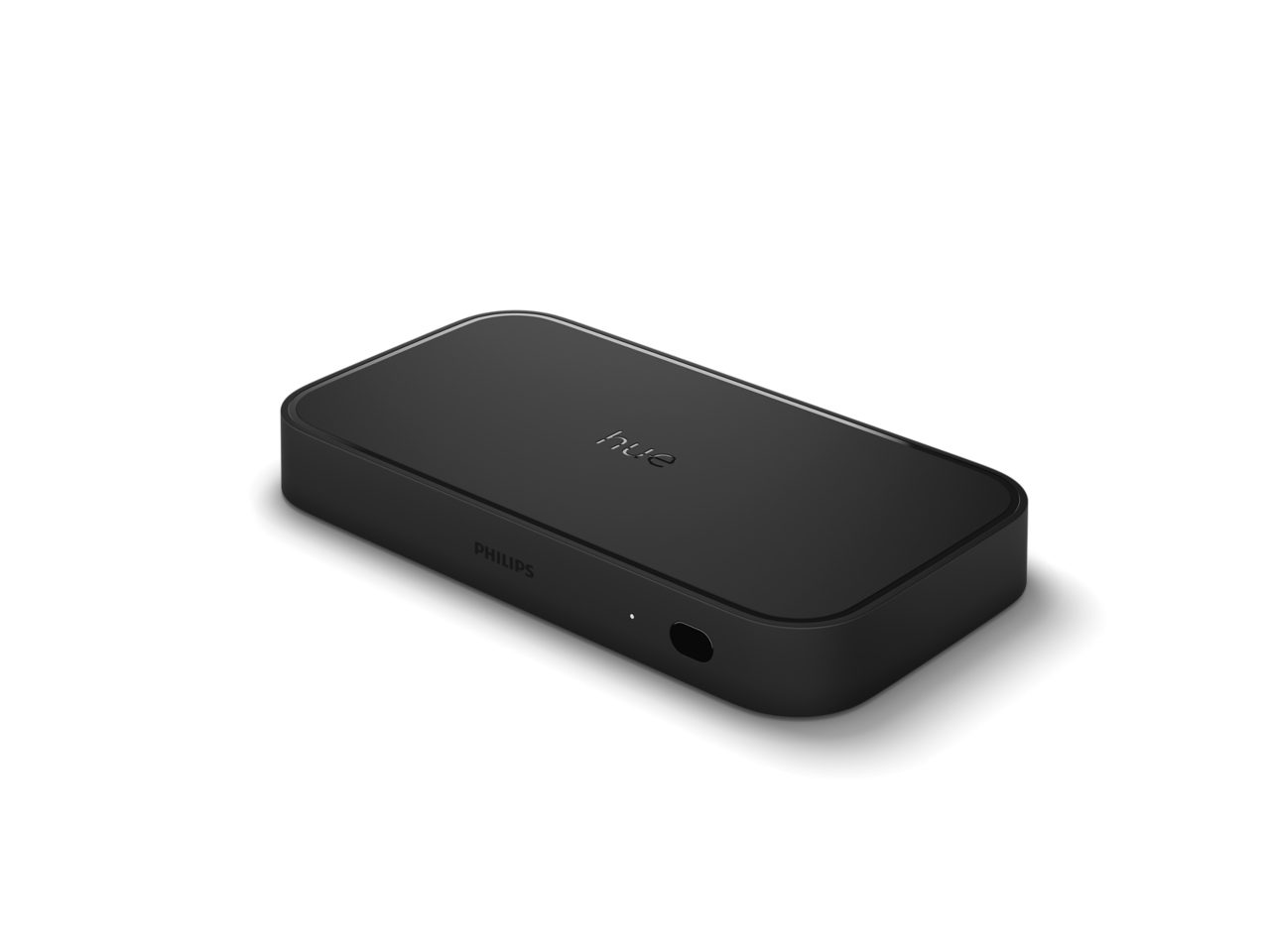
Excellent product. Setup was quick and straightforward using the Hue app. I own three Hue Play HDMI Sync Boxes, each in a different home theater configuration, and all have performed flawlessly. One is connected to an LG C2 TV, Apple TV, PS5, and Sonos Arc; another to a Yamaha receiver, Apple TV, Sony BRAVIA TV, and Polk Audio in-wall speakers; and the third to an Apple TV, Sony BRAVIA TV, and Sonos Beam. Across all three systems, I’ve experienced no audio latency, video dropouts, or sync issues. The lights respond instantly and can be easily customized in the Hue app. A separate hub is required for each entertainment area to sync simultaneously which is the only downside.
Huge waste of time - was cool when it worked
2026-10-20T19:18:46.000+00:00
Cubs
1
Can be summarized in one word, frustrating. I've had this product for a week now with countless issues. My current TV setup is bravia 8 tv, sonos beam gen 2, apple tv, and Xbox series x. Everything worked well until I introduced the hue sync 8k. Issues ranged from the tv powering off randomly, the hue sync switching my input channel randomly, and the audio cutting out constantly. I've spent over a week trying to fix the issues but the only way these issues wouldn't arise was by removing the hue sync box. I'm very disappointed in this product, especially with the cost and frustration. I would not recommend this if you are gaming or trying to watch a movie in 4k dolby atmos.
Great product!
2026-09-10T12:17:08.000+00:00
Hector
5
I’ve had this product for a year now. I had ongoing issues with blue screen or the image not displaying. However after months of trying different things I found the issue too be one of the HDMI cables was not 2.1, 4k. And the best setup that worked after replacing cables. Is to have the sync box in between receiver and tv. Current setup is Apple TV into receiver, receiver into HDMI 4 on sync box and make sure earc, is turned on the sync box for sync box between receiver and then sync box out to tv. Also if you have lights not syncing with music, make sure Spatial Audio Dolby Atmos on Apple TV is off. Hope this helps.
Frustrating setup
2026-10-13T17:09:53.000+00:00
Sad customer
1
Beware - setup is extremely complicated. We have a brand new OLED tv and an Apple TV (no weird setup) and could not get this to connect to the Hue app. We are two IT professionals and even had support from the Hue troubleshooting support. We have never had an issue with any Hue product in the past. Such an expensive product should not be this challenging to setup. Wasted over 5 hours trying to get it to connect with no success.
Frustrating
2026-09-18T03:31:02.000+00:00
Danman136
2
Bought a few months ago and nothing but weird problems ever since. From audio issues, video connectivity issues to random power issues it sucks. So frustrating.
Consistent blackout
2026-09-18T03:31:10.000+00:00
Reviewedbyme
2
Keeps cutting out while in the middle of watching a movie/show. Family will get into watching whatever on tv to just get interrupted with a blackout then have to wait awhile to come back on.
Plug and play
2026-09-10T20:38:24.000+00:00
Danol07185
5
Bought when it came out Before they raised the prices I had the previous 4k version. (First Gen) it was frustrating in itself! I purchased this one from Amazon brand new! Never had any issues with it. . . Went through the settings again since new box (pretty much same options as 4k version! But it’s a great box! And syncs easily with my Apple TV 4K (2022) in HDMI port 2 straight into HDMI port 3 on my Vizio P series (2023). then my OG HOMEPODS for Dolby Atmos. WORKS like a charm. EVERY TIME!
Gotta have it
2026-07-13T12:33:17.000+00:00
Qwill
5
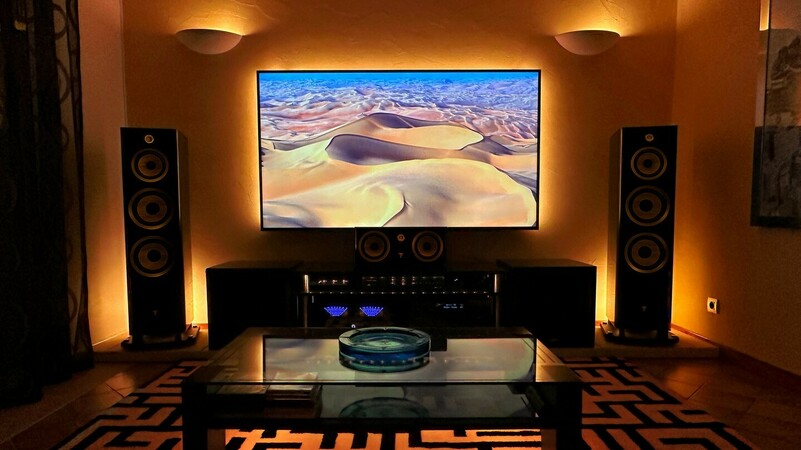
Super easy setup. It works well in my home theater. The every day use is amazing and doesn't require the app as it comes on automatically. It's downstream between my amp and my projector. I can't live without this. AMAZING
Regret this purchace
2026-10-20T15:26:17.000+00:00
regret
1
The sync box changes the audio set up on my tv and soundbar pretty much daily. I also find that the box does not find my apple tv nor ps5 somethimes so I've now had to restart my box every few days.
Killed my Hue Play power supplies
2026-10-23T13:50:37.000+00:00
Ashley
2
We picked up a Phillips Hue 8k Sync box this past summer. We had already been using two sets of three Hue Play lights in our entertainment center. We had previously used the Sync feature with our entertainment center via the PC app, so we were excited to have the sync box to let us use Sync for our other HDMI devices. And it was nice for a few months! The setup was easy and the effect was fantastic. But then our first set of Hue Play bars went dark. After testing, we determined the power supply had died. A little weird and mildly annoying because they were a bit past warranty. But we had a spare power supply we swapped in for the dead one. Then the second set went dark - also a dead power supply! We used these two sets of Hue Play with the sync app for years without any issue. Both sets of power supplies dying so shortly after adding the 8k sync box to our setup makes it clear that the sync box is what killed the power supplies on our Hue Play bars. To make matters more frustrating, I did try calling the support line to see if they could send us a replacement power supply. The agent I spoke with was kind and understanding - but their hands were tied - the Phillips Hue company only *sells* replacement power supplies, they won't send out a replacement as part of support and warranty.