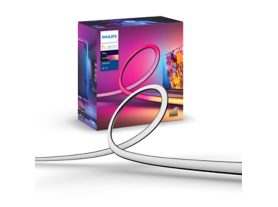
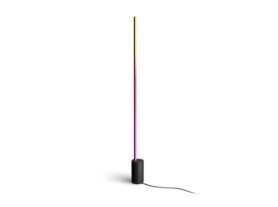
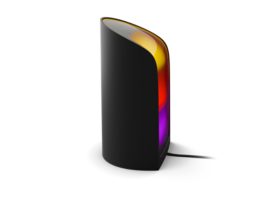
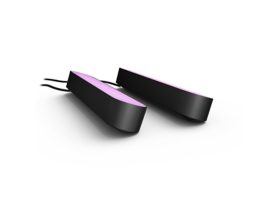
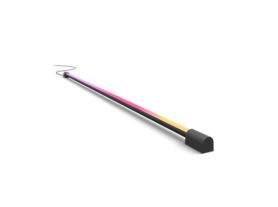
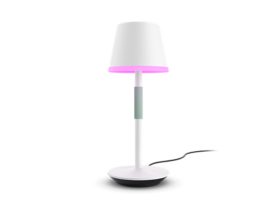
A TV in a modern living room, illuminated by Hue Play wall washer and Play lamps, which synchronise with the screen content to create an immersive and dynamic entertainment experience.

Hue Sync for Apple TV: transform your home cinema experience

25 August 2026


Set up Hue Sync with Apple TV to elevate your home entertainment from a standard viewing session to a fully immersive sensory experience. By bridging the gap between your screen and your room, this setup allows your smart lighting to react in real-time to every explosion, sunset or musical beat. Whether you're watching the latest blockbuster or playing a fast-paced game on Apple Arcade, the Philips Hue Sync Box Apple TV integration ensures your space reflects the world on your television.

 

What you need for your Hue Sync Apple TV setup

To create an immersive Apple TV lighting experience, you'll need a few core components working together:

Choose your synchronisation method

Philips Hue Play screen sync

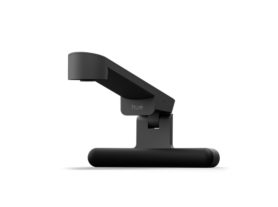
Play screen sync is a dedicated screen sync device that uses a fisheye lens to analyse the colours, movement and intensity of content displayed on your TV screen in real time. Because it reads what's happening directly on the screen, it works seamlessly with Apple TV and other content sources connected to your television.

A Philips Hue Play screen sync device with fish-eye lens attached on a TV and detecting the on-screen content.

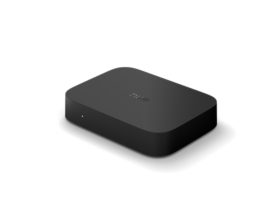
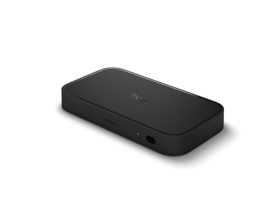
Philips Hue Play HDMI sync box 4K

The Play HDMI Sync Box 4K sits between your Apple TV and your television, synchronising compatible Hue lights with HDMI-connected content. It supports crisp 4K resolution at up to 60 Hz refresh rate, making it ideal for streaming, movies, sports and everyday gaming.

Philips Hue Play HDMI sync box 8K

For advanced home theatres and next-generation gaming setups, the Play HDMI Sync Box 8K supports HDMI 2.1, 8K at 60 Hz and 4K at up to 120 Hz while delivering responsive light synchronisation.

Apple TV (HD or 4K)

All modern Apple TV models are compatible with Philips Hue entertainment setups.

Philips Hue Bridge or Bridge Pro

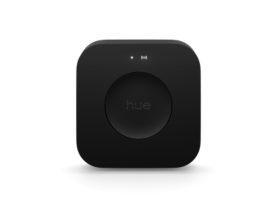
A Philips Hue Bridge or Hue Bridge Pro is required to create an Entertainment area and unlock immersive synchronisation with up to 10 colour-capable Hue lights.

Colour-capable Philips Hue lights

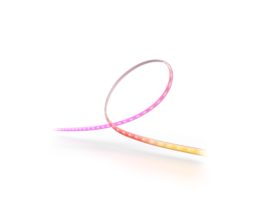
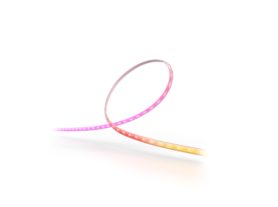
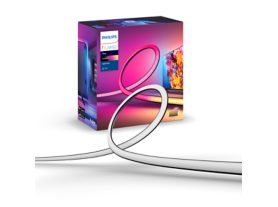
For the most immersive experience, use colour-capable lights such as Play gradient strip lights, Play gradient strip light pro, Play light bars, Signe gradient lamps or Play wall washer lights.


Discover the Hue lighting control and LED strip lights collection.

Step 1: Create an Entertainment area

Before synchronising your lights with Apple TV, open the Philips Hue app and create an Entertainment area. This allows you to position your lights virtually so they can accurately react to the action on screen.

Once your Entertainment area is configured, you'll use the Sync tab in the Hue app to start and manage synchronisation.

Want to synchronise your lights to Apple Music on Apple TV? Simply switch to Music mode in the Sync tab to create a dynamic lighting experience that reacts to the rhythm and energy of your music.

Couple watching Apple TV with Philips Hue entertainment lighting synchronised to the content on screen, creating an immersive home theatre experience.

Step 2: Connect Apple TV to your Hue sync setup

The setup process depends on which sync solution you choose.

Using Play screen sync

Position the Play screen sync device according to the setup instructions and complete the configuration in the Hue app. Once configured, simply start synchronising from the Sync tab and launch Apple TV content.

Using Play HDMI Sync Box 4K or 8K

1. Connect Apple TV to one of the HDMI inputs on the sync box.
2. Connect the sync box output to your TV.
3. Complete setup in the Hue app.
4. Enable automatic syncing options if desired.
5. Launch Apple TV and start watching.

A Philips Hue Play 4K sync box placed on an entertainment system in front of a TV.

Both sync boxes support Apple TV content, including movies, shows, sports and Apple Arcade gaming.

Explore the Hue synchronise with TV options


Expand your Hue entertainment setup

Sale
Signe gradient floor lamp

Signe gradient floor lamp

$499.95

Temporarily out of stock

Sale
Bridge Pro

Bridge Pro

$249.95

Sale
Play gradient light tube large

Play gradient light tube large

$444.95

Only a few left

Discover the Hue floor lamps and table lamps collections.


Advanced optimisation: intensity and voice control

To truly master your Philips Hue sync box Apple TV setup, experiment with different synchronisation intensity levels. "Subtle" is perfect for slower-paced dramas and documentaries, while more intense settings can make action movies, sports and Apple Arcade gaming feel even more immersive.

Because Philips Hue works with Apple HomeKit, you can use Siri to control your lighting without leaving the sofa. Adjust brightness, activate scenes or set the perfect mood before you start watching. Create dedicated entertainment scenes in the Hue app, then launch them instantly through the Apple Home app or with Siri voice commands.