Love it!
2026-08-18T21:06:51.000+00:00
Victoria
5
love it! Great product. Makes my presentations even more interactive!

$169.99
Current price is $169.99
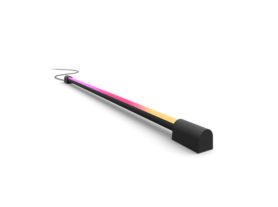
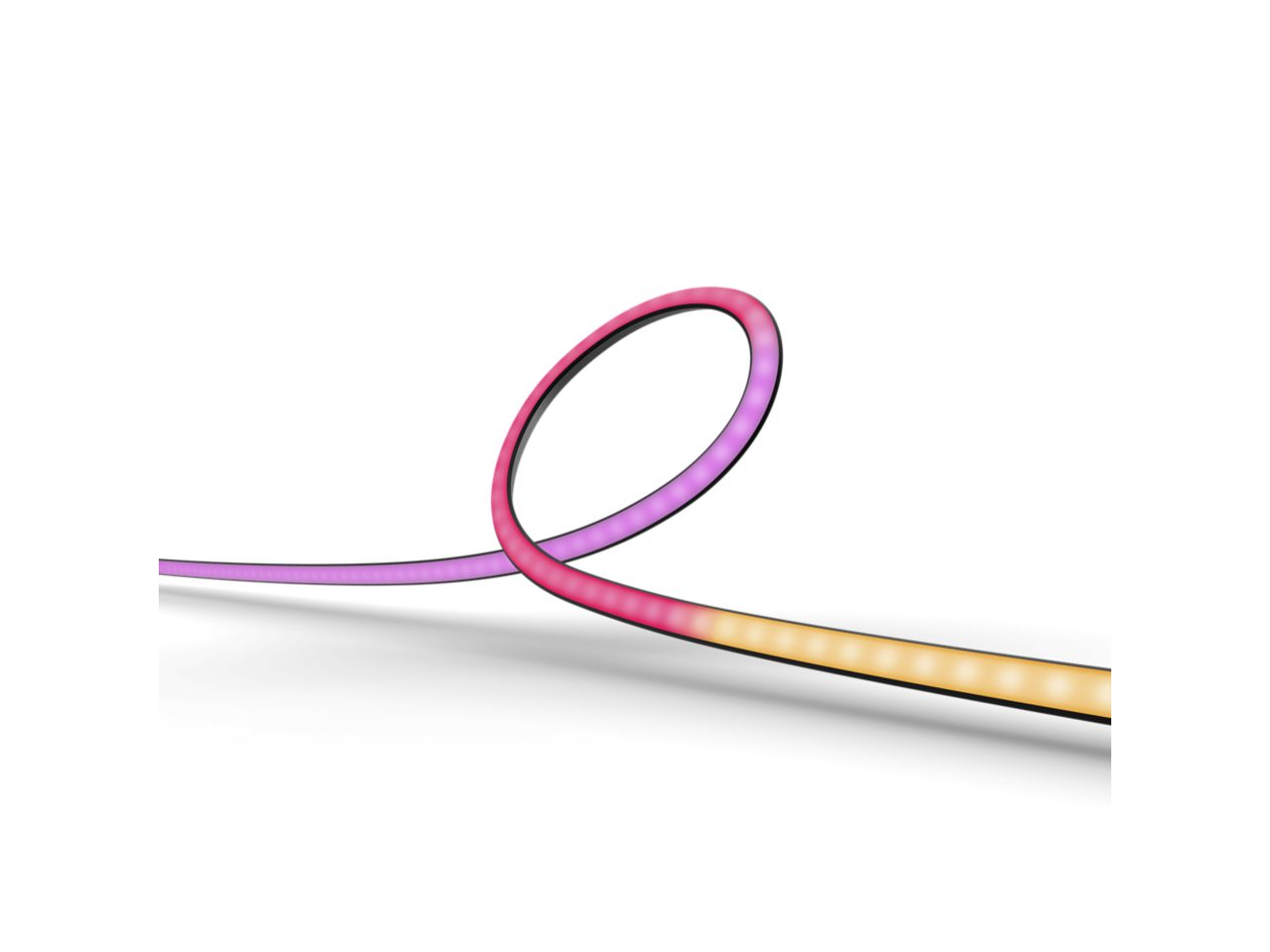
Get a gradient of reactive, colorful light for your gaming setup! Attach the Play gradient lightstrip to the back of your 24”–27” monitor with the included mounts. Start syncing with the Hue Sync desktop app to see the action on your screen reflected in the light.
For TVs, we have three sizes of Play gradient lightstrips: made for 55”, 65”, or 75” TVs. For monitors, we also have three sizes: made for single 24–27” monitors, made for single 32–34” monitors, and made for 24–27” triple-monitor setups. If you have a different size TV or monitor, we recommend getting a Play gradient lightstrip that is slightly smaller than your TV or monitor. Because the lightstrip is bright, it does not matter if it does not reach the corners on the back of the TV or the monitor.
If you have a TV smaller than 50” or a monitor smaller than 24”, we recommend using Philips Hue Play light bars instead.
No. Please use the power supply unit included in the box for your Play gradient lightstrip as plugging the lightstrip into the same power supply unit as the Hue sync box or Play light bars can impact the performance of your Philips Hue products.
Yes. Each Play gradient lightstrip comes with curved and straight mounting clips with adhesive backings. This makes it easy to attach it to the back of your TV or PC monitor.
If your Play gradient lightstrip for PC is not connecting to the Bridge (and other devices are working properly), your Bridge may need to be updated. In the app, go to Settings > Software update.
Make sure that the cables are securely plugged in and that the lightstrip is plugged in to a functioning wall outlet. If the problem persists, please contact Customer Support.
To sync to your TV screen, the Play gradient lightstrip for TVs requires a Hue Bridge and a Philips Hue Play HDMI Hue sync box (both sold separately). To sync to your computer monitor, the Play gradient lightstrip for PC requires a Hue Bridge and the free Hue Sync desktop app. To set up the lightstrip, you’ll also need the Hue app.
We recommend getting a Play gradient lightstrip for PC that is slightly smaller than your monitor. For example, if you have a 29” monitor, get a Play gradient lightstrip for 24–27” monitors.
The lightstrip is bright, so the light will still spread evenly over the parts of your monitor that don’t have a lightstrip.
The Play gradient lightstrip for PC was created specifically for desktop gaming setups, which usually have either one or three monitors.
Yes. You can add any color-capable Philips Hue lights to an Entertainment area. For information on how to set up your Entertainment area, check out our how-to videos: How to set up an Entertainment area - YouTube
A starter kit includes the Hue Bridge — Philips Hue’s smart lighting hub — and lets you control up to 50 lights and accessories both inside and outside of your home. Additionally, depending on the type of starter kit you choose, it comes with multiple smart bulbs as well as accessories.
If you're experiencing any issues while your Play gradient lightstrip is syncing, there are a few ways to improve the performance.
The Play gradient lightstrip was designed to project its light onto the wall behind it, mixing the colors of light before they hit the wall. For the best color spread, we advise a distance of about 10 cm between the lightstrip and the wall.
There are two different types of Play gradient lightstrips: one made for TVs and one made for PC monitors.
The Play gradient lightstrip for TVs comes in three sizes, based on the size of your TV: for 55”, 65”, and 75” TVs.
The Play gradient lightstrip for monitors also comes in three sizes, based on the size and setup of your monitors: for single 24–27” monitors, for single 32–34” monitors, and for 24–27” triple-monitor setups.