Struggling with turning on and switching inputs
2026-10-10T07:41:58.000+00:00
MrBubbles
2
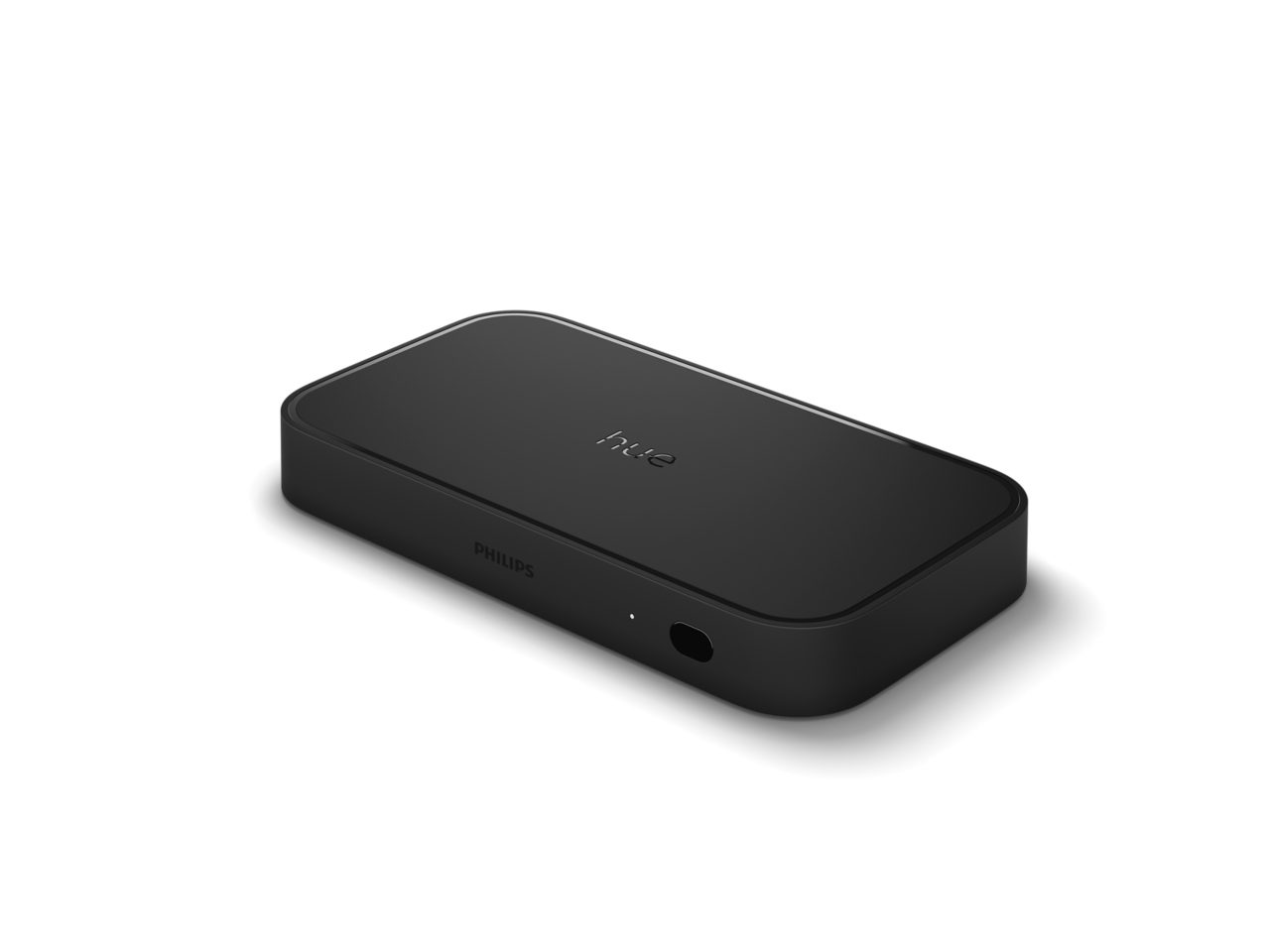
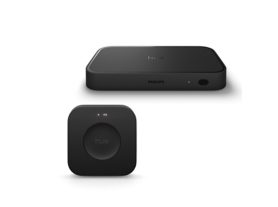
I had the 1st sync since launch, it melted with Dolby Vision occasionally but apart from that it was great. This one is really behaving bad. Switching on TV, or switching from Sky to Xbox, blank screen. It involves a series of off and on again, or sync on and off, before it plays ball. The Xbox Series X has an even more infuriating issue. Going to games of different resolutions can cause the colours to drop down to just neon green and pink (for that Batman cartoon Joker kind of look). Nothing sorts it other than an HDMI pull. At the moment we've had enough. We have tested almost every setting in the hue app, HDMI sync, CEC, all sorts. Still a fail. It's like there's a chronic handshake issue that we cannot shake up. Really sad, and I can't see Tech Support having much to say that we haven't already tried.
Sync box ok but misleading functionality
2026-10-21T17:22:17.000+00:00
Cr302
3
Generally fine, reads and responds to video content as advertised from direct hdmi input. But functional issues that shouldn’t be happening for the cost and a second generation high quality product. Firstly, despite instructions, set up maps and technical details followed to the letter the sync box was completely unsuitable for use between an AV Amp and the TV as it clearly states is a proper use. In that configuration the TV, and Amp constantly flickered between mute and unmute and the set up rendered useless despite hours of detailed and extensive troubleshooting and resets, settings, rewiring. To fix it, I had to disconnect and route the AV amp directly back to the tv bypassing the sync box and change other inputs from the amp to the sync box. Nothing running through my amp can now use the sync functions due to this, and the audio is only via eARC return from the tv. So casting to the Amp or any audio/video inputs to the amp are excluded from the sync box due to this problem which is not as advertised. Furthermore, the sync box inputs/source is only able to be selected via the hue app. I cannot use a hue switch to program input selection, the buttons on a tv remote might be mapped to the sync box but that doesn’t remove their function from the TV so the remote mapping function is entirely useless (eg I use ‘2’ on the tv remote for sync box source selection, but when pressed it also changes the TV to channel 2 so rendering the control useless) - there aren’t blank buttons on tv remotes to program to a sync box. As I say the sync function works perfectly well but it doesn’t seamlessly function in the set ups that hue directly state and show on the manual. It also needs to have its own remote or easier input switching.