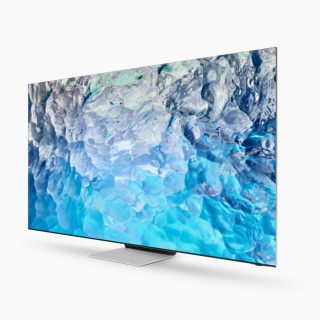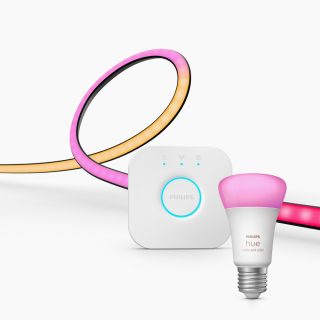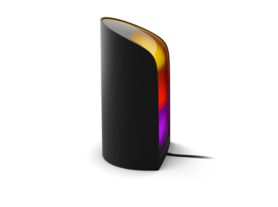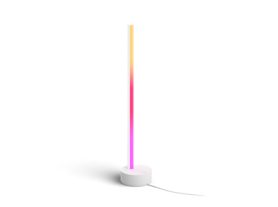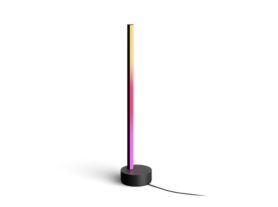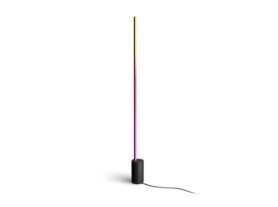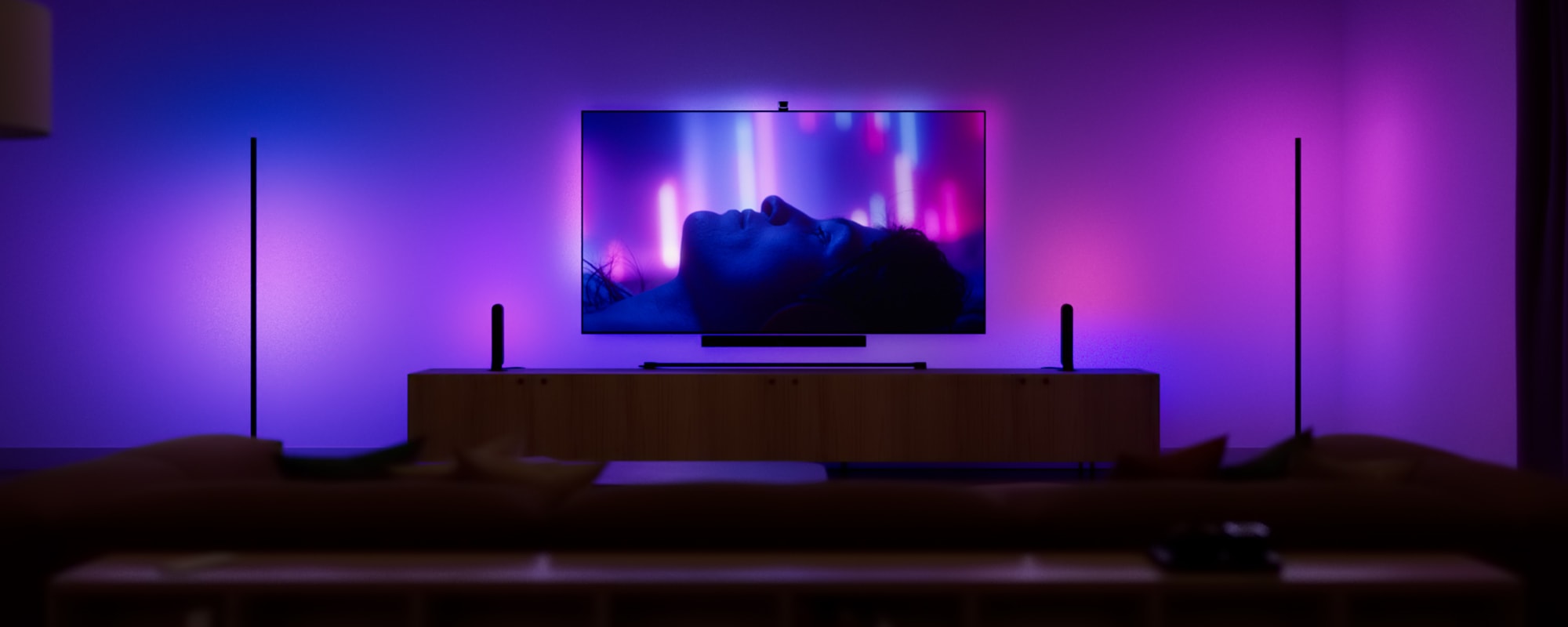
A TV in a living room with lights that sync with the content for an immersive entertainment experience.

Lights that sync with the TV: The ultimate guide to immersive home entertainment

September 3, 2026 

Stepping into a modern home theater is no longer just about the size of the screen or the depth of the bass. It’s about the atmosphere. The most sought-after upgrade for cinema lovers or gamers today is lights that sync with the TV, a technology that blurs the boundaries between the on-screen world and the room. Whether you are battling in a high-stakes video game or watching a cinematic masterpiece, "surround lighting" creates an environment where every flash of lightning and every sunset glow is felt throughout the entire space.

What are LED lights that sync with the TV?

At its core, this technology involves smart LED lights that sync with the tv by sampling the colors on your display in real-time. Instead of a static glow, these lights are dynamic—they mirror the movement and palette of your content. If a red car zooms across the left side of your screen, the lights behind the left side of your TV will pulse red in perfect unison.

A collection of color-capable smart lights placed near a wall-mounted TV, casting synchronized colored light onto the wall.

This effect, often called "bias lighting," serves two purposes. First, it provides total immersion, making the screen feel much larger than its physical dimensions. Second, it is a functional tool for eye health; by providing a soft glow behind the screen, it reduces the harsh contrast between a bright TV and a dark room, significantly lowering eye strain during long binge-watching sessions.

Hue TV lighting bundles and lighting controls

For those new to the ecosystem, these Philips Hue products provide an essential foundation for a world-class entertainment setup.

Create a starter kit
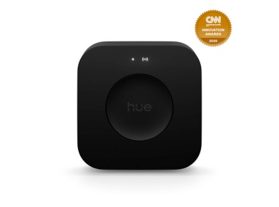
Bridge Pro

Bridge Pro

$159.99

Create a starter kit
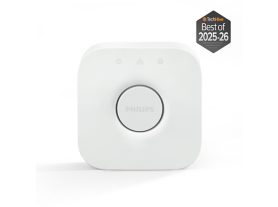
Bridge

Bridge

$89.99

Create a starter kit
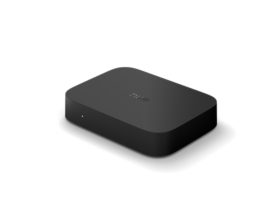
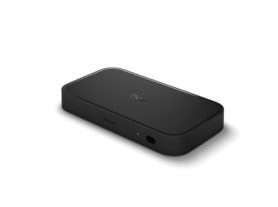
Philips Hue Play HDMI sync box 8K

Explore the lighting controls collection and the TV lights packs


How to sync LED lights to tv: A step-by-step overview

If you’re researching how to sync Hue LED lights to your TV, Philips Hue offers four ways to create an immersive TV-light sync experience. Whether you watch through built-in streaming apps, gaming consoles, set-top boxes, or other HDMI-connected devices, there is a Hue sync solution to match your YTV setup.

1. Philips Hue Play screen sync

For a simple, flexible way to sync lights with your TV, Philips Hue Play screen sync is a dedicated screen sync device that uses a fisheye lens to analyze the colors, movement, and intensity of the content displayed on your TV screen in real time.

Its compact design and straightforward setup make it easy to bring immersive TV backlighting to movies, shows, sports, and gaming. When connected to a Hue Bridge, Play screen sync can synchronize up to 10 color-capable Hue lights, including bulbs, lamps, and strip lights, creating a room-filling entertainment experience.Without using a Hue Bridge you can sync one compatible Hue strip light.

A Philips Hue Play screen sync device with fisheye lens attached on a TV and detecting the on-screen content.

2. Philips Hue Play HDMI sync box 4K

The Philips Hue Play HDMI sync box 4K lets you sync your lights with content from HDMI-connected devices such as streaming players, set-top boxes, and gaming consoles.

Supporting crisp 4K resolution at up to 60Hz refresh rate, it delivers smooth, responsive light syncing that reacts to every color, movement, and on-screen moment in real time. Its compact design and simple HDMI setup make it an easy way to create an immersive entertainment space. When connected to a Hue Bridge, Play screen sync can synchronize up to 10 color-capable Hue lights, including bulbs, lamps, and strip lights, creating a room-filling entertainment experience.Without using a Hue Bridge you can sync one compatible Hue strip light.

3. Philips Hue Play HDMI sync box 8K

For advanced home theaters and next-generation gaming setups, the Philips Hue Play HDMI sync box 8K delivers Philips Hue's most powerful HDMI sync experience.

Supporting HDMI 2.1 connectivity, 8K resolution at 60Hz, and 4K resolution at up to 120Hz, it is designed for gamers and home cinema enthusiasts who want high-performance TV light syncing without compromising picture quality. When connected to a Hue Bridge, Play screen sync can synchronize up to 10 color-capable Hue lights, including bulbs, lamps, and strip lights, creating a room-filling entertainment experience.Without using a Hue Bridge you can sync one compatible Hue strip light.

Close up of Philips Hue Play HDMI sync box

4. Philips Hue Sync TV app

For compatible Samsung and LG TVs, the Hue Sync TV app offers a native TV-light sync experience without requiring an external sync device.

This integration allows your lights to react instantly to everything displayed on screen, including built-in streaming apps and connected gaming consoles. The result is a seamless, low-latency TV ambient lighting experience that extends the action beyond the screen and into your room. To use the TV sync app a Hue Bridge is required.

Elevate Your Viewing: Philips Hue for LG and Samsung TVs

Transform your living room into an immersive home theater by syncing your Philips Hue smart lights with your LG TV or Samsung TV. While Play screen sync and HDMI sync boxes work with virtually any TV setup, compatible Samsung and LG TVs can also use the Philips Hue Sync TV App.

This native integration allows your lights to react instantly to everything on screen, including built-in streaming apps — delivering a seamless, low-latency ambient lighting experience. Whether you're gaming, watching live sports, or enjoying cinema-grade Dolby Vision content, Philips Hue creates a more immersive entertainment experience.

Smart light bars placed on both sides of a TV display colored light onto the wall, matching on-screen content in a modern living room.

This native integration allows your lights to react instantly to everything on screen—including built-in streaming apps and gaming consoles—delivering a seamless, low-latency "Ambilight" effect without the extra hardware. Whether you're gaming or watching cinema-grade Dolby Vision content, Philips Hue provides the ultimate atmospheric upgrade. 

Get started with the Hue Sync TV app

Check your TV compatibility

Step 1

Check your TV compatibility

The app is available on many Samsung and LG TVs. Check your TV’s App store for availability. 1, 2

Set up your Philips Hue system

Step 2

Set up your Hue system

You’ll need a Bridge and color-capable Hue lights. Once installed, you can create an Entertainment area in the Hue app.

Step 3

Download the app

Go to your TV’s App Store to download and buy the app on your TV, and then connect it to your Hue system.

Watch how-to guide for Samsung

Watch how-to guide for LG


The Philips Hue difference: Why ecosystem matters

While many products offer basic color matching, the Philips Hue ecosystem is built for high-performance home theaters. The key is the Hue Bridge and the more advanced Bridge Pro, a dedicated smart hub that allows your lights to communicate on a separate frequency from your Wi-Fi, ensuring your light show doesn't stutter even during high-action scenes.

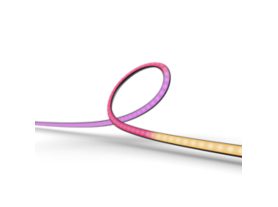
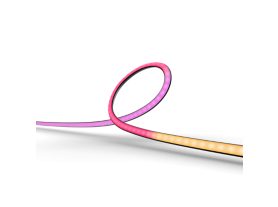
Philips Hue TV Sync LED strip lights

Discover the TV strip lights collection and check tv backlights ideas


Beyond the screen: creating an "entertainment area"

One of the most inspirational aspects of lights that sync with TVs is the ability to expand the experience to the whole room. Using the Hue app, you can create a virtual "Entertainment Area". You tell the app exactly where your lights are—on the floor, on a bookshelf, or in the ceiling—and the system treats your living room like a 3D canvas.

Immersive gaming with HDMI 2.1

For gamers, the stakes are higher. The latest Philips Hue Play HDMI sync box 8K supports high-bandwidth signals (HDMI 2.1), meaning you don't have to sacrifice 120Hz refresh rates or VRR for the sake of your lighting. The lights react to every explosion and muzzle flash, creating an immersive gaming experience that truly feels "next-gen."

Two play wall washer lamps placed on each side of TV, glowing in vibrant green and blue smart light.

Explore more gaming light ideas.

Movie night: from living room to cinema

When you're ready for a movie, you can set the "Intensity" level. For a romantic drama, you might choose a subtle, slow-fading transition. For a superhero blockbuster, you can turn the intensity to "High" to ensure the lights keep up with every fast-paced cut.

A couple watching TV in a living room with colorful smart lighting synced to the screen content.

Pro tips for the best TV sync setup

  • Distance Matters: Position your TV roughly 6 to 12 inches away from the wall to allow the light to diffuse properly.
  • Wall Color: A white or light-colored wall provides the most accurate color reproduction.
  • Sync with Music: Remember that your TV lights aren't just for visuals. Most sync systems include a music mode that turns your living room into a concert hall by reacting to the beat.

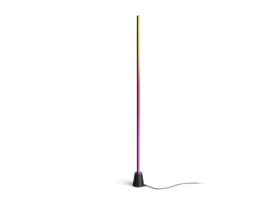
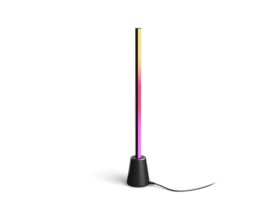
The Ultimate Sync Setup: TV floor lamps and table lamps

Create a starter kit
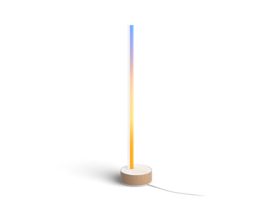
Signe gradient table lamp
Create a starter kit
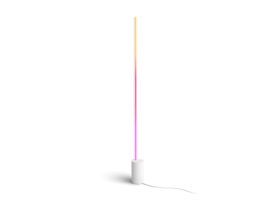
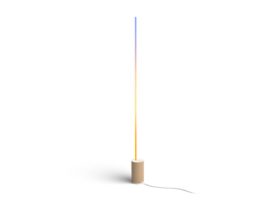
Signe gradient floor lamp
Create a starter kit
Signe gradient floor lamp
Create a starter kit
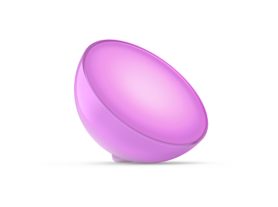
Go portable accent light
Create a starter kit
Signe gradient table lamp
Create a starter kit
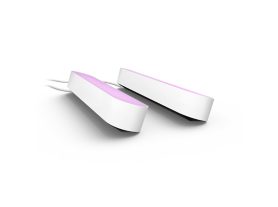
Play light bar double pack
Create a starter kit
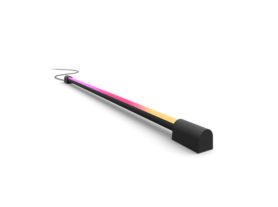
Play gradient light tube compact

Explore the TV table lamps and floor lamps collections

Ready to explore more? Check out our full range of Philips Hue products or learn about the latest gradient strip light technology to reimagine your space today.

Transforming your house into a smart home, starts with understanding the benefits of a smart hub and choosing the right gradient strip light technology. Whether you want to reduce eye strain or create a professional-grade theater, the right lights that sync with tv are the key to a more vibrant experience.